Operator console
every page explained.
The console lives at /admin on your server. It changes what the app shows without a new release. Every change is written to an audit log.
01First sign-in and setup code
- Start the server (Installation).
- Find the setup code. If
ADMIN_SETUP_TOKENis empty, the server prints a one-time setup code in its log at start. Look in the terminal, or rundocker logs <container>. If you setADMIN_SETUP_TOKENyourself, use that value. - Open
/adminand enter the code to create the owner account (email and a strong password). - Turn on two-factor sign-in for the owner, as the console asks.
- Remove
ADMIN_SETUP_TOKENfrom.envonce the owner exists, and restart.
Without a session nothing in the console can be read or changed. A read-only demo: https://callbook-demo.mikodes.com/admin · Email: demo@callbook.demo · Password: callbook-demo-2026 (read-only demo account)
02Console pages
| Page | What you do there |
|---|---|
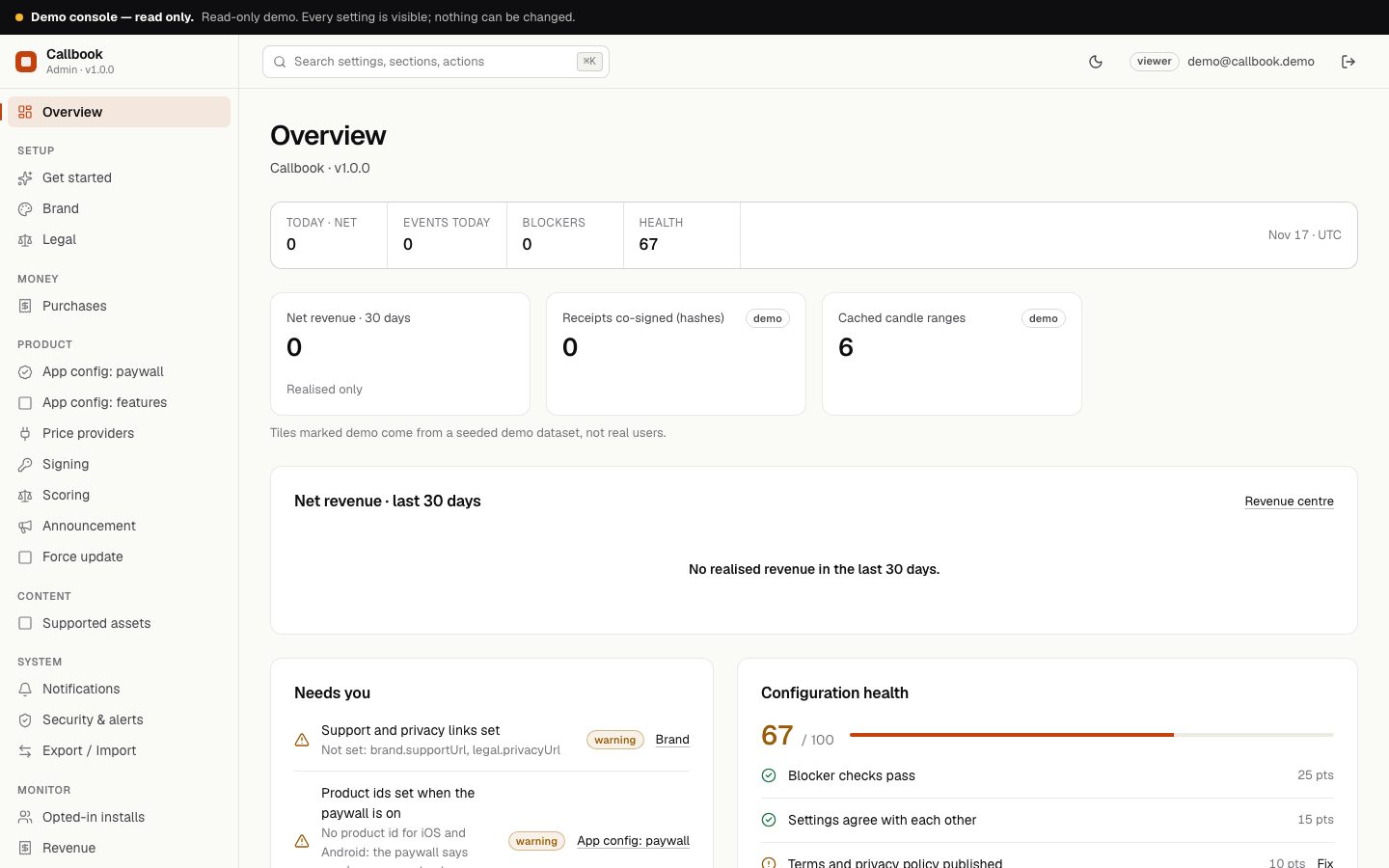
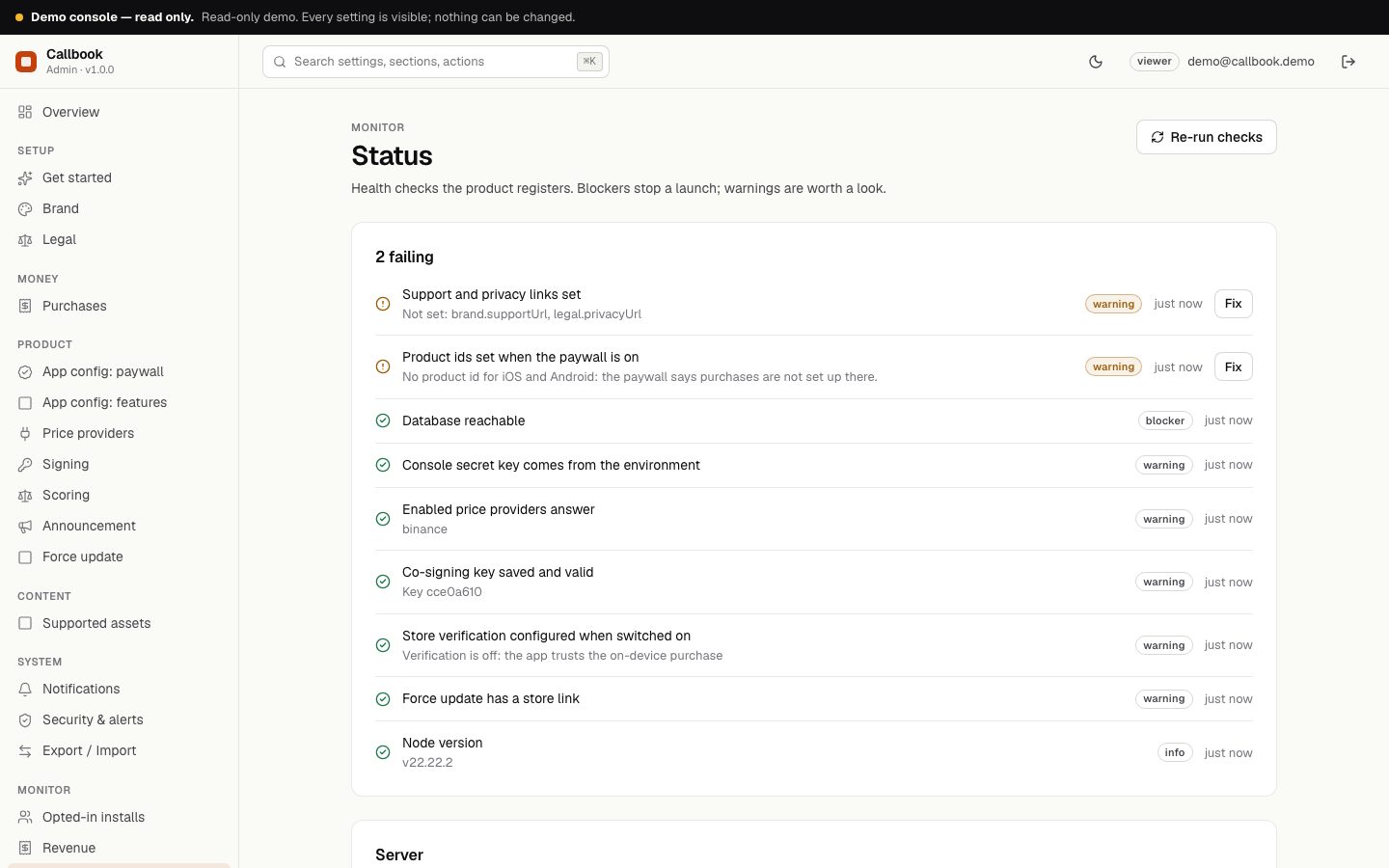
| Overview | Health checks and numbers at a glance. The checks warn when: the console secret key does not come from the environment, support and privacy links are missing, an enabled price provider does not answer, the co-signing key is missing or invalid, product ids are missing while the paywall is on, store verification is switched on but not configured, or the force update has no store link. The database check is a blocker. |
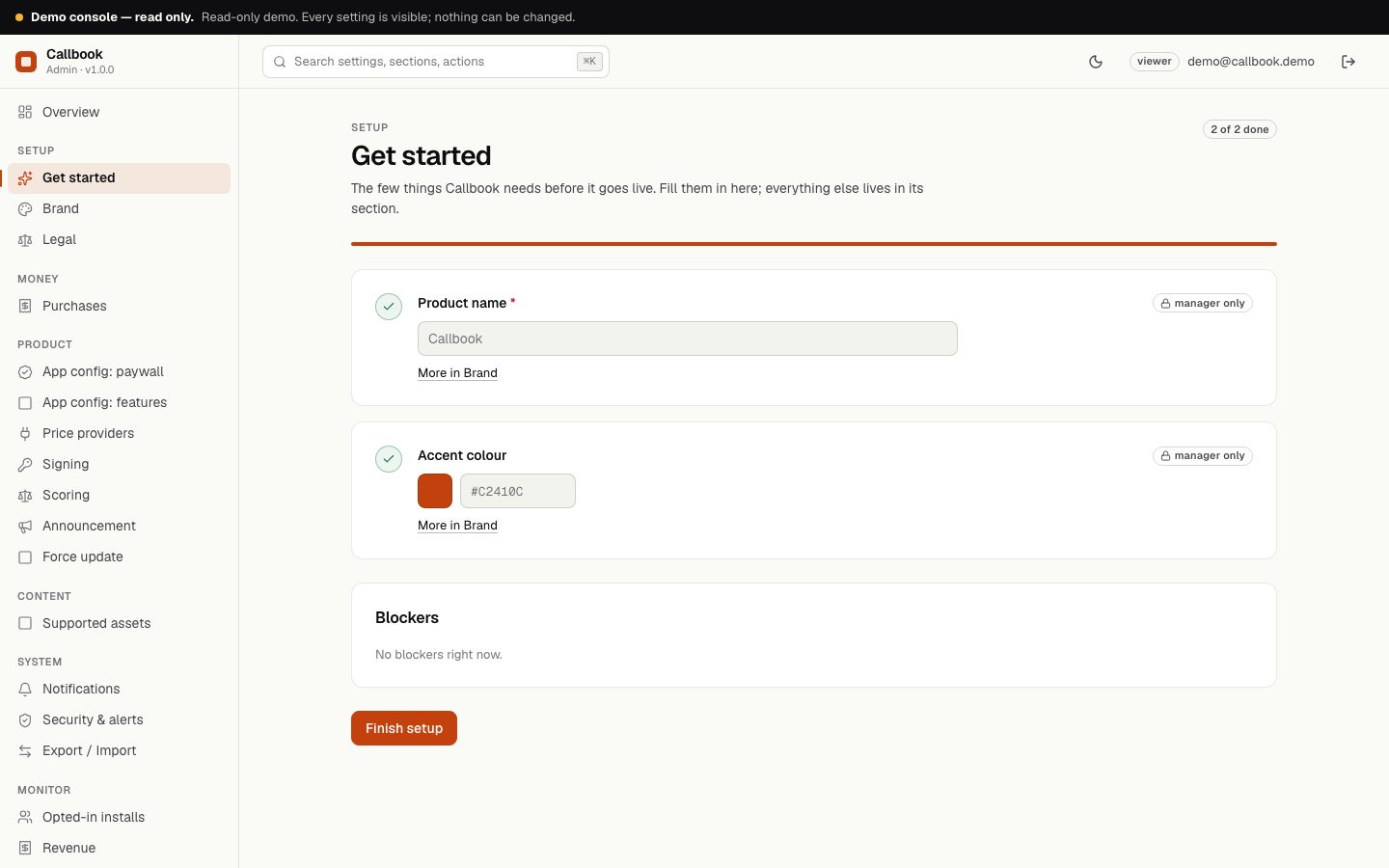
| Get started | A checklist that links to the setup pages. |
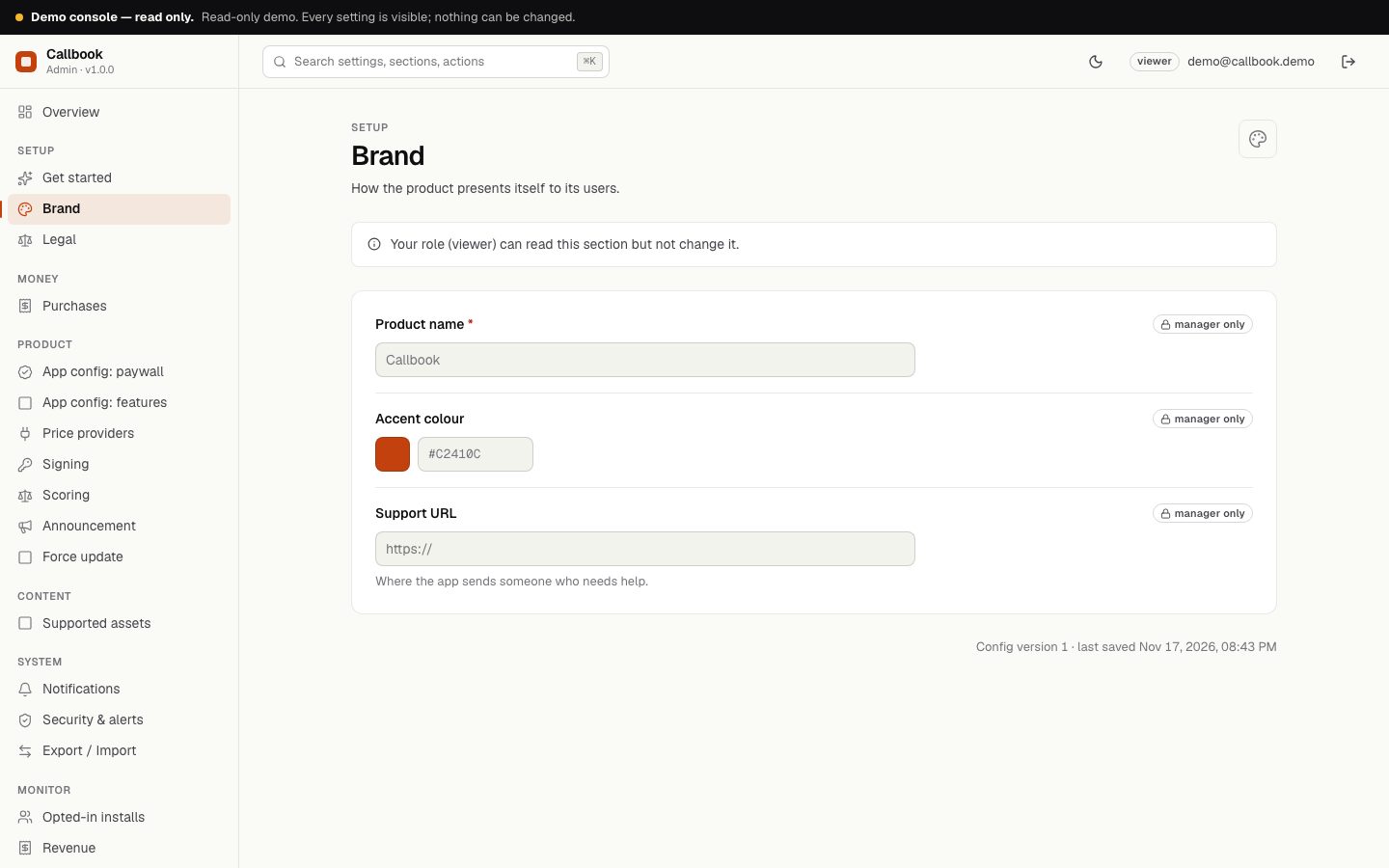
| Brand | App name, accent colour and support URL, sent to the app. |
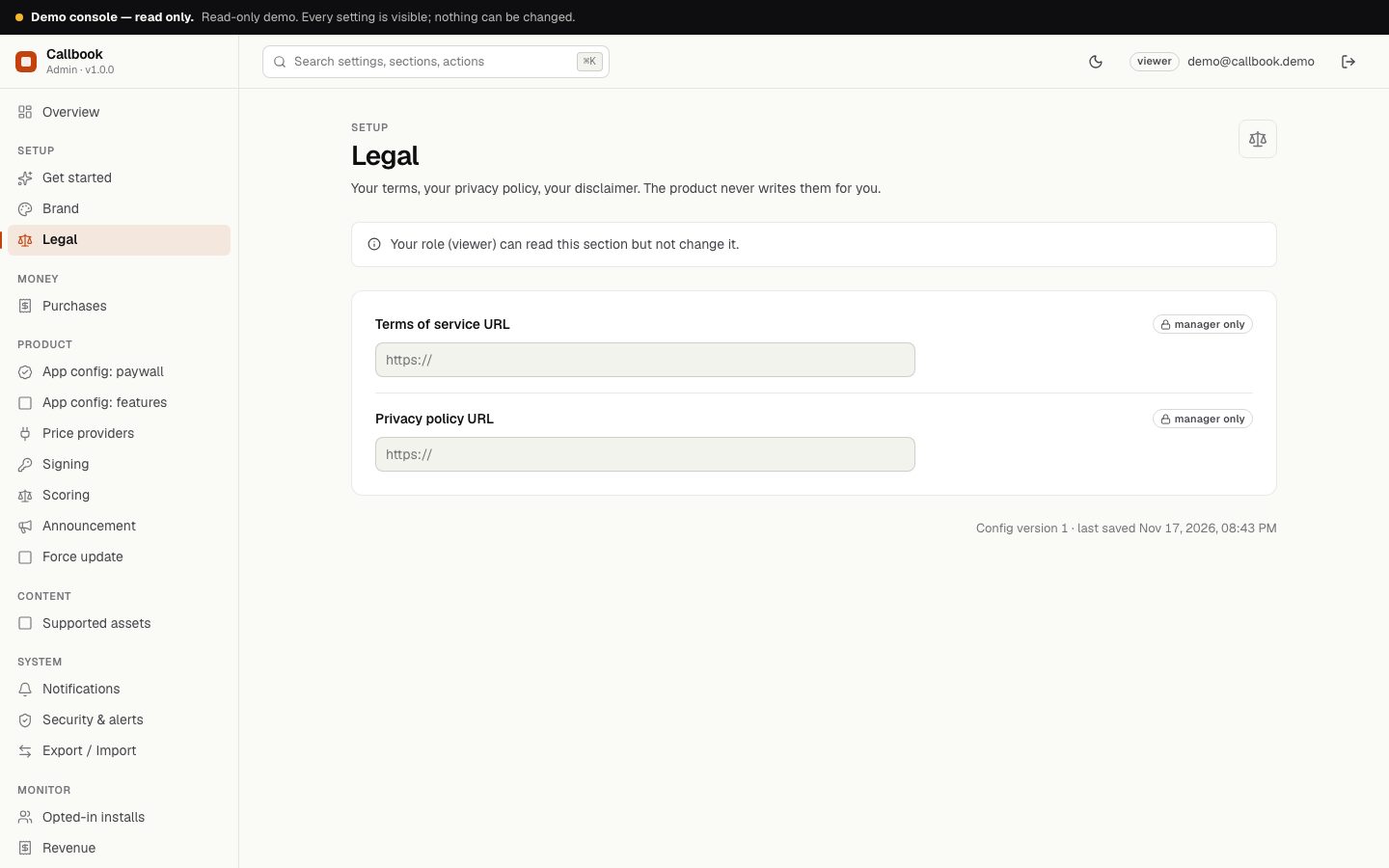
| Legal | Privacy and terms URLs, sent to the app. |
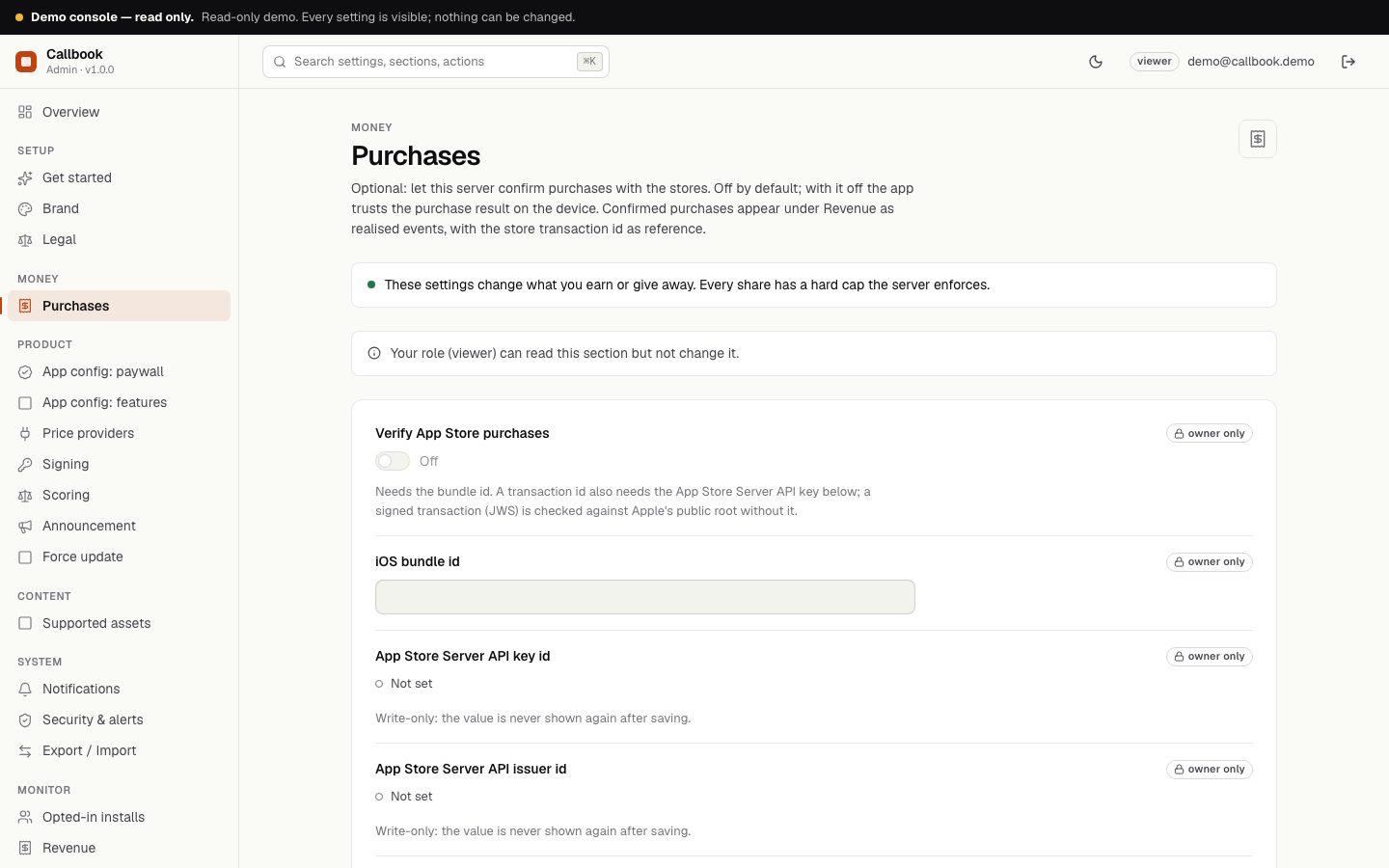
| Purchases | Optional store verification. See Purchase verification. |
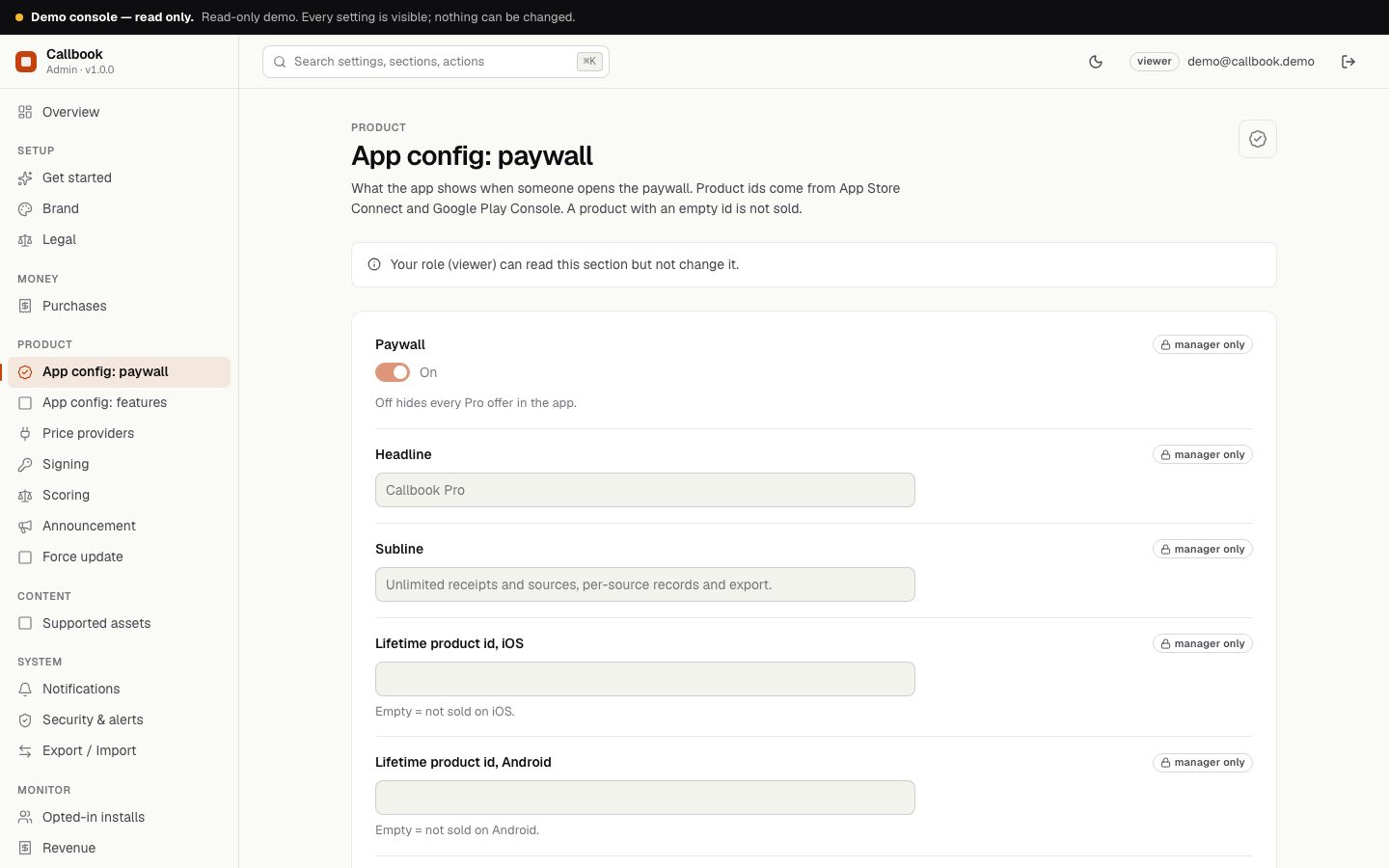
| App config: paywall | Paywall on/off, headline, subline, the four product ids (lifetime and yearly, iOS and Android), the number of receipts a basic-tier user can seal per calendar month (default 10, 0 to 1000, UTC), the number of different sources a basic-tier user can keep (default 3, 0 to 100) and 'show paywall on launch after N days' (0 = never on launch). An empty id means that product is not sold. |
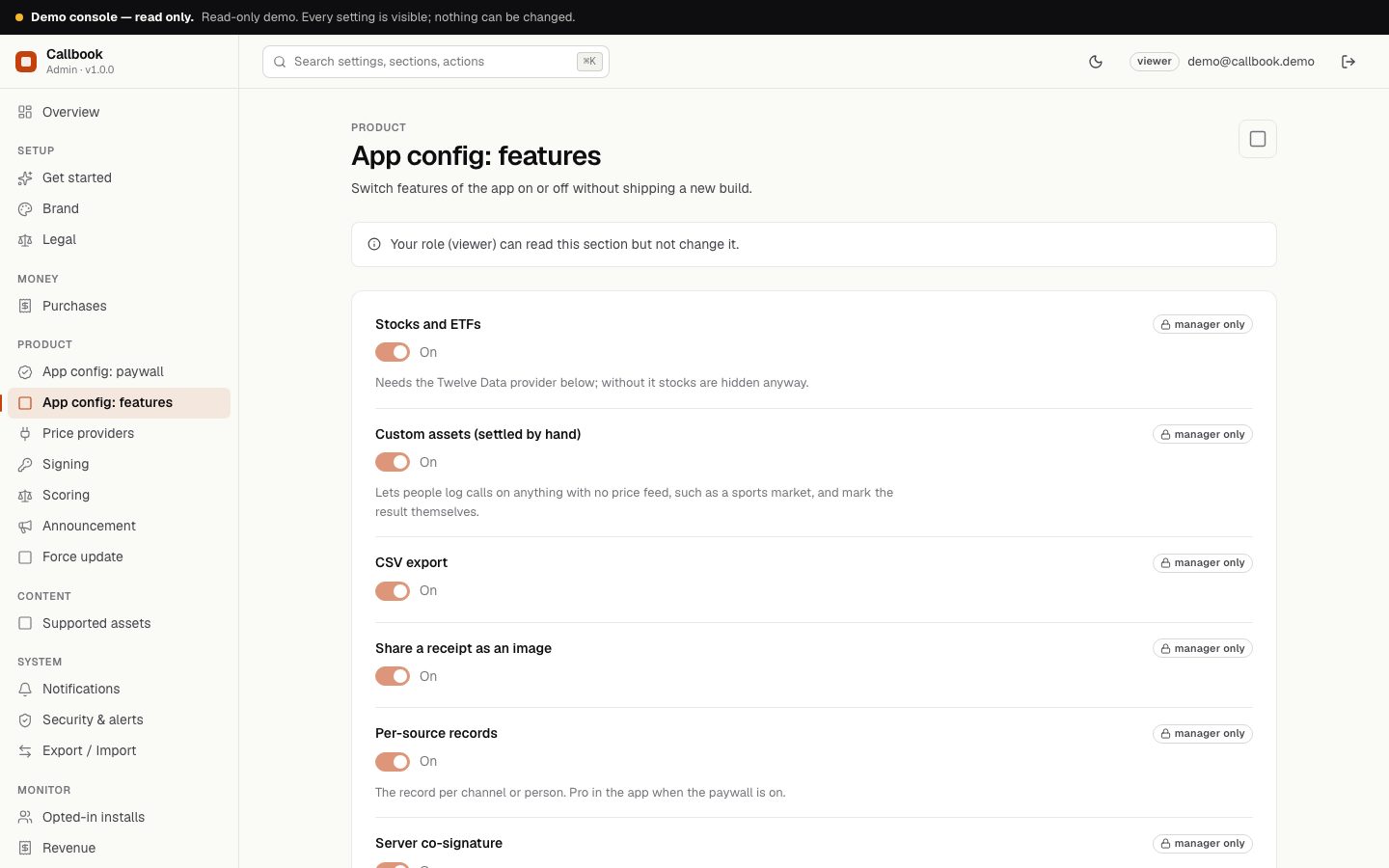
| App config: features | Switch Stocks and ETFs, custom assets, CSV export, share as image, per-source records and server co-signature on or off. |
| Price providers | See below. |
| Signing | See below. |
| Scoring | See below. |
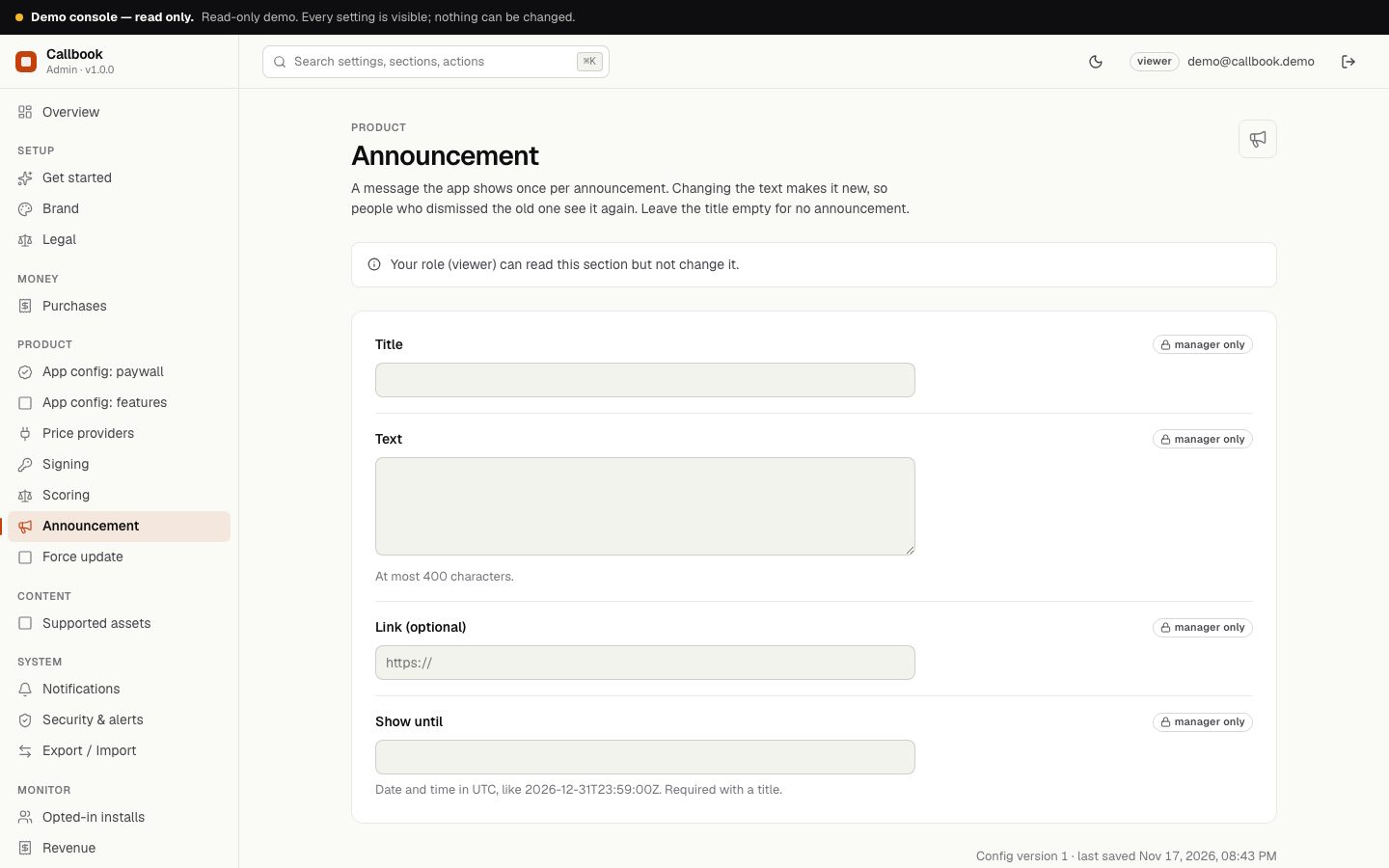
| Announcement | A message shown once per announcement. Title (up to 80 characters), text (up to 400), optional link and a 'show until' time in UTC like 2026-12-31T23:59:00Z (required with a title). Editing the text makes it new, so people who dismissed the old one see it again. Empty title = no announcement. |
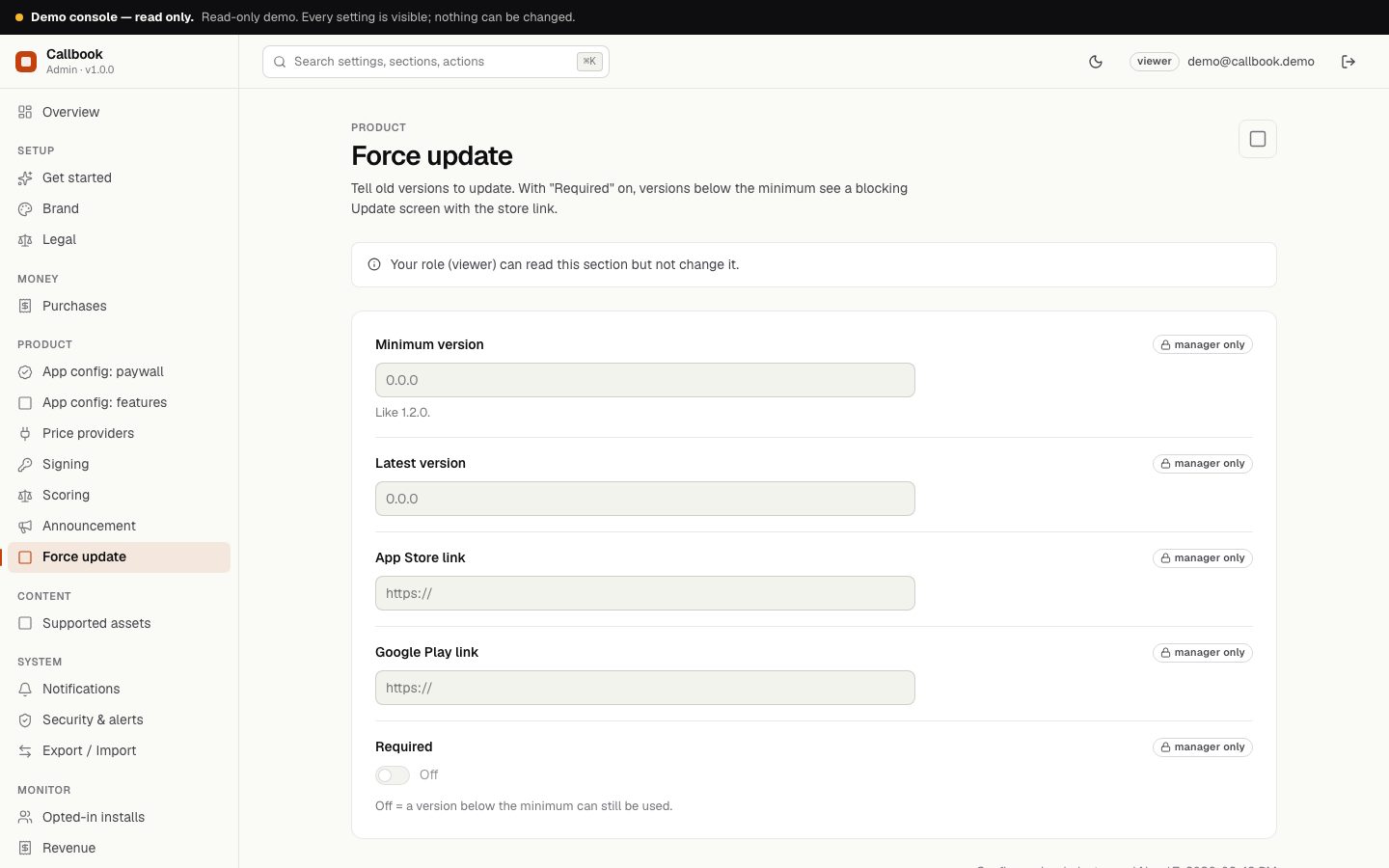
| Force update | Minimum version, latest version, App Store and Google Play links, and 'Required'. With Required on, versions below the minimum see a blocking Update screen. |
| Supported assets | See below. |
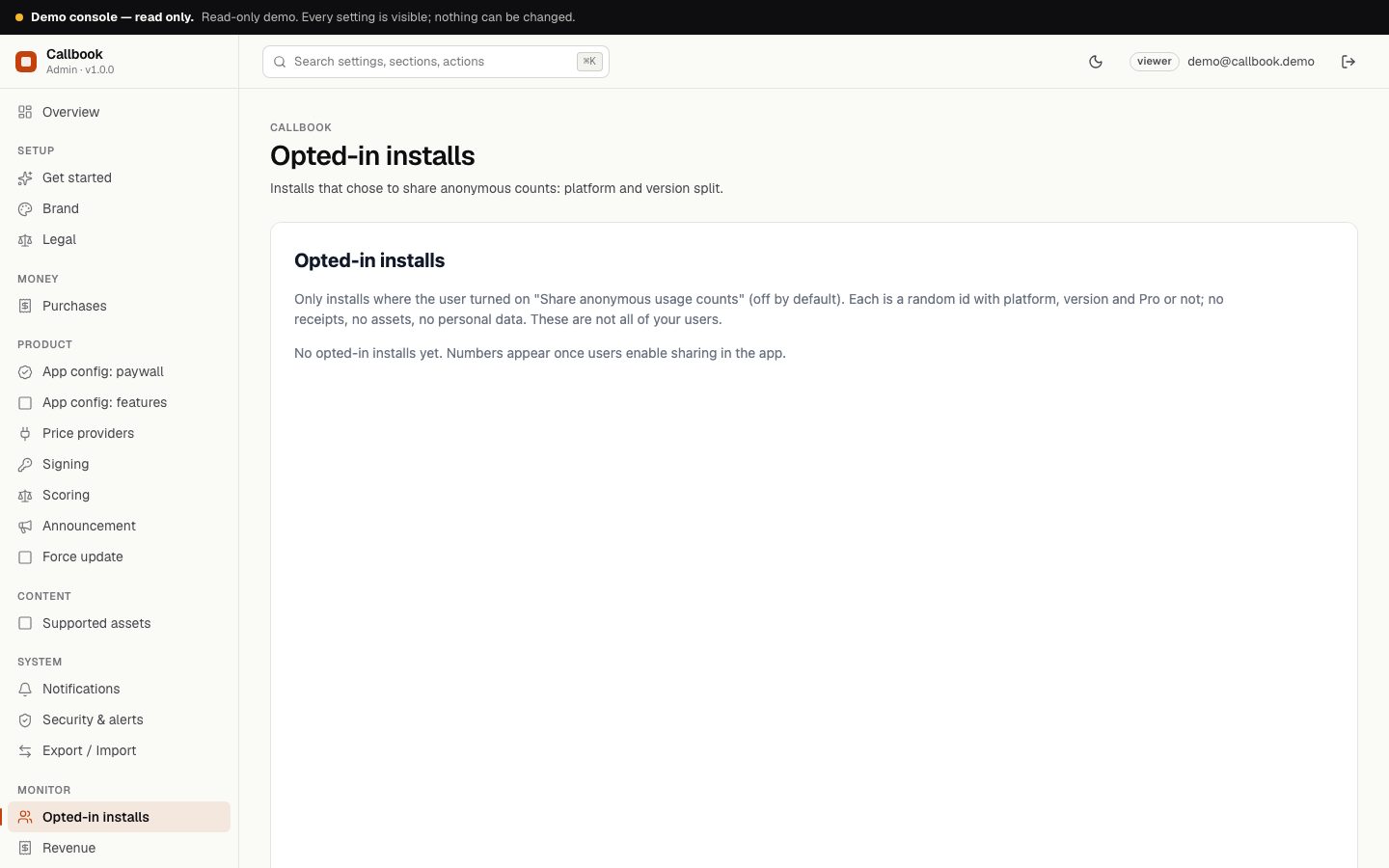
| Opted-in installs | Counts from people who enabled usage counts: active 1, 7 and 30 days, Pro share, Android and iOS split. These are only the people who opted in, so they are lower than your real total. The Server group also shows how many hashes were co-signed and how many price ranges are cached. |
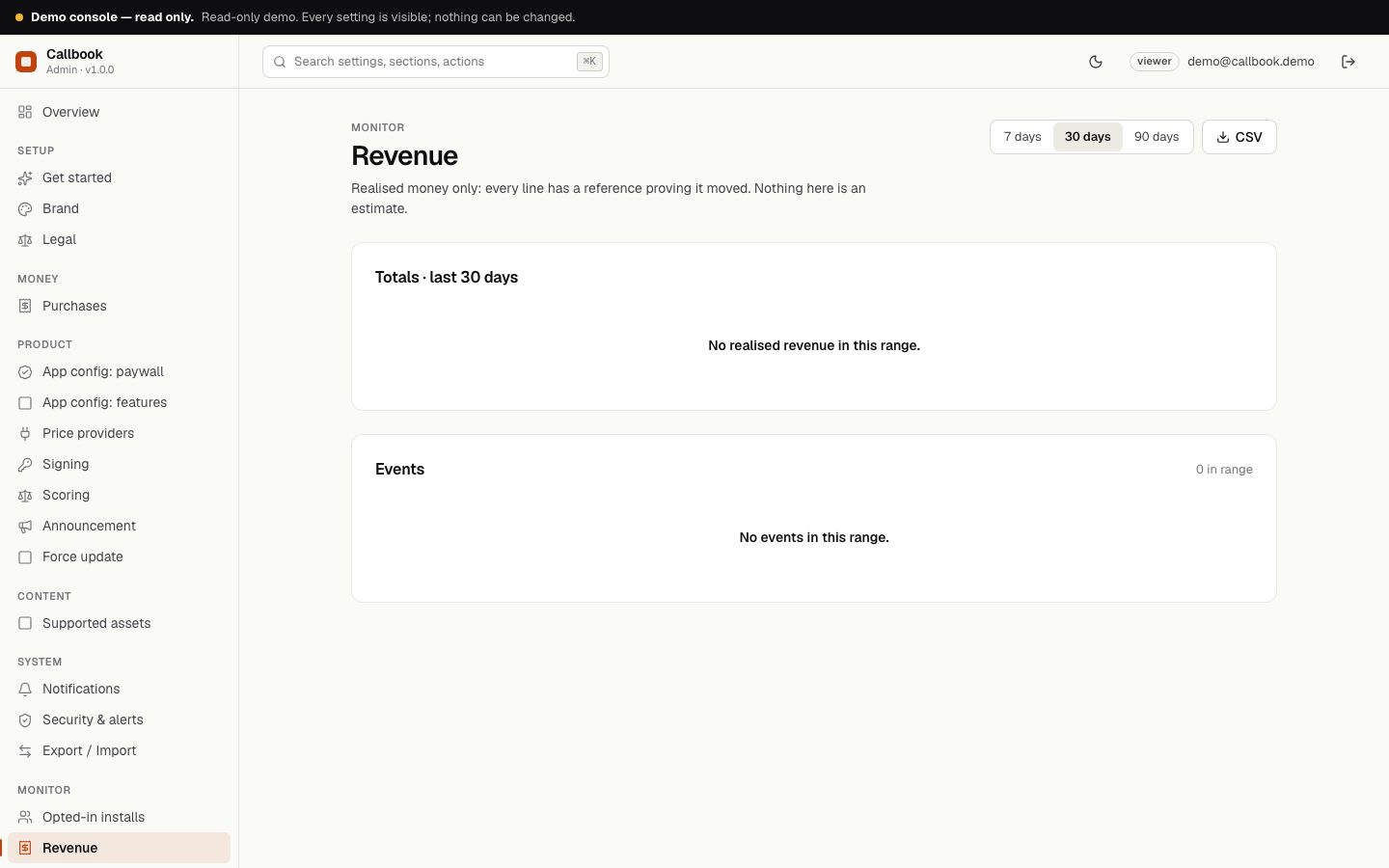
| Revenue | Verified store purchases, shown as gross price (before store fees and tax). The amount shows as unknown when the store does not report it. Sandbox and test purchases are verified but not recorded. |
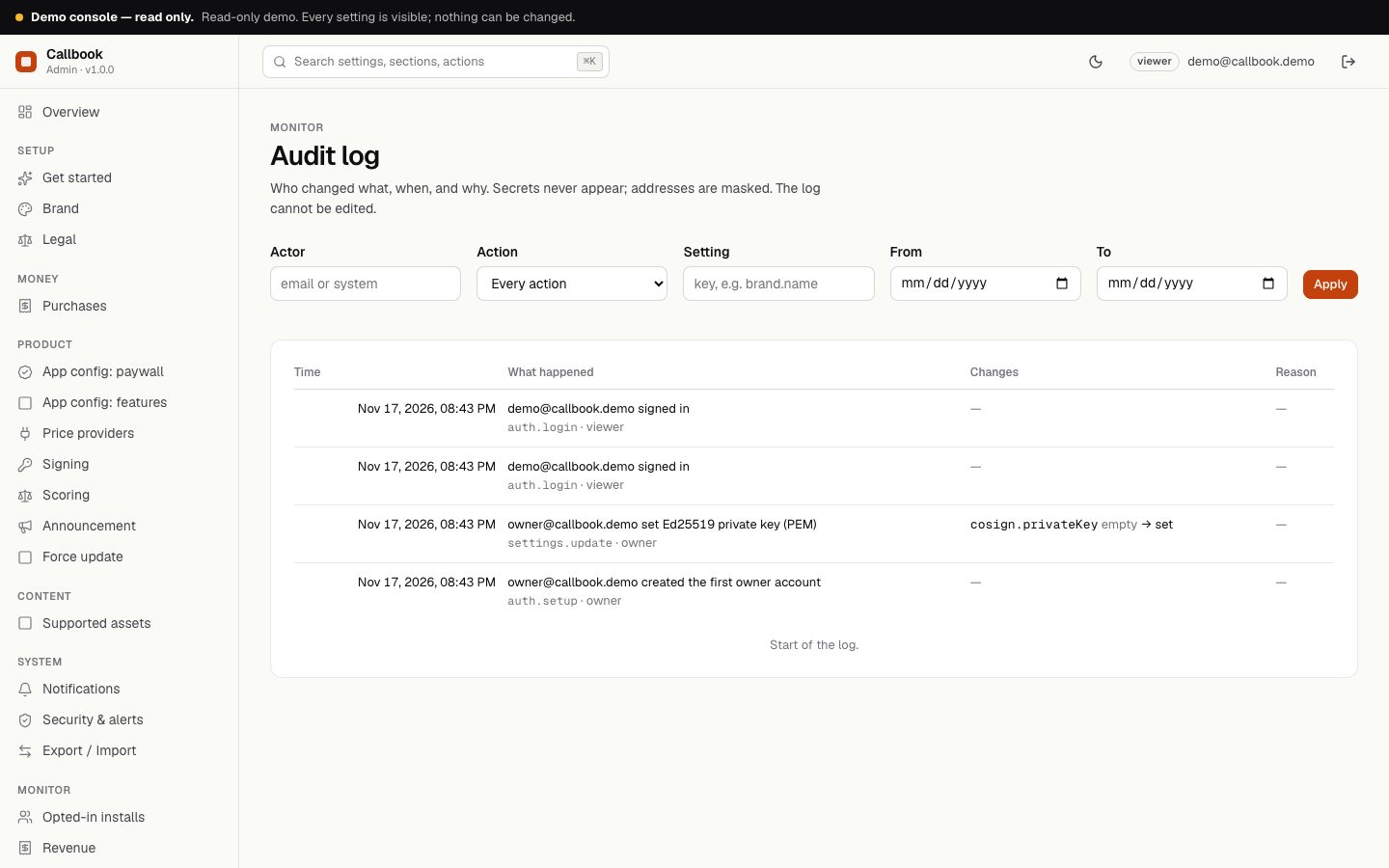
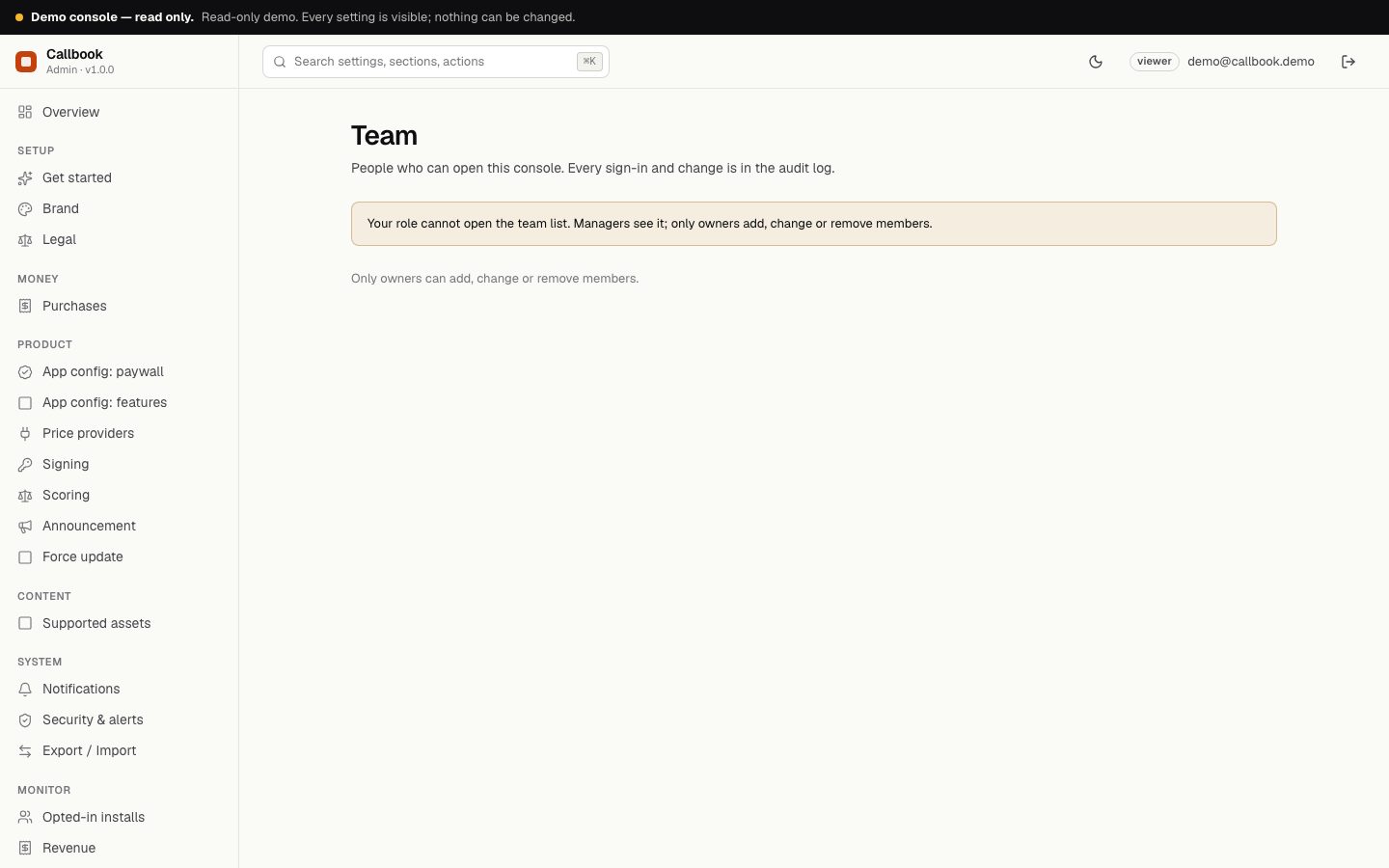
| Status, Audit, Team, Export / Import | Server status; the log of every change; invite and manage team members with roles; import and export of settings. Notifications and Security & alerts are standard console pages for alerts and sign-in security. |
Changes reach phones within about five minutes (the config is cached for 5 minutes). People who are offline keep the last copy they saved.
03Price providers
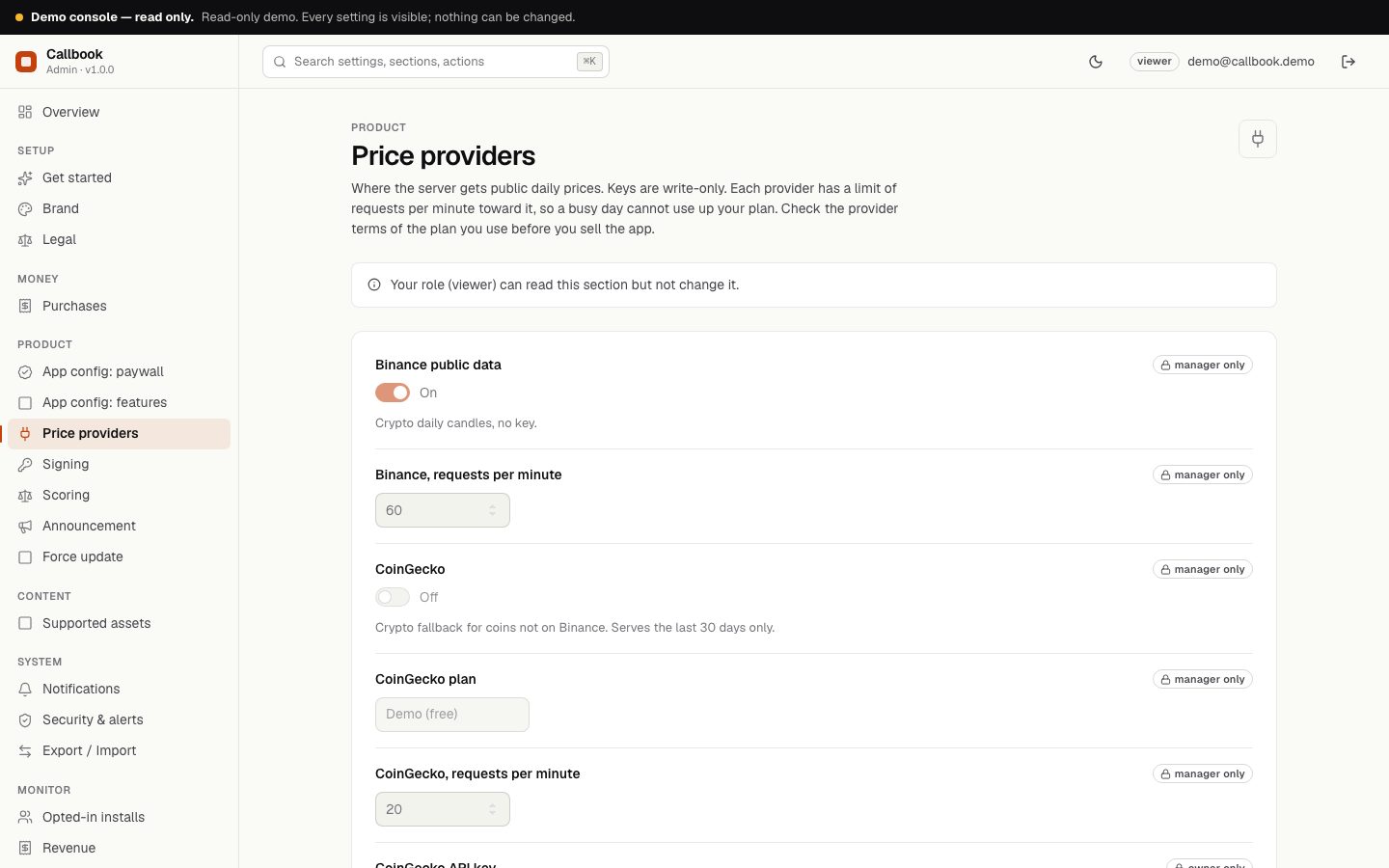
Where the server gets public daily prices. Keys are write-only: once saved, they can be replaced but not read back.
| Provider | Default | Notes |
|---|---|---|
| Binance public data | On by default | Crypto daily candles, no key. Requests per minute toward Binance: default 60 (1 to 1200). |
| CoinGecko | Off by default | Crypto fallback for coins not on Binance. Serves the last 30 days only. Plan selector (demo or paid) and optional API key (write-only). Default 20 requests per minute (1 to 500). |
| Twelve Data (stocks, ETFs) | Off by default | Needs your own key (write-only, with a Test button). Default 8 requests per minute toward Twelve Data (1 to 600); set it to what your plan allows. |
The Test button checks a saved key without exposing it. Read the terms of the plan you use before you sell the app. When a provider is switched off, its assets are hidden in the app; calls already sealed keep their asset text.
04Signing
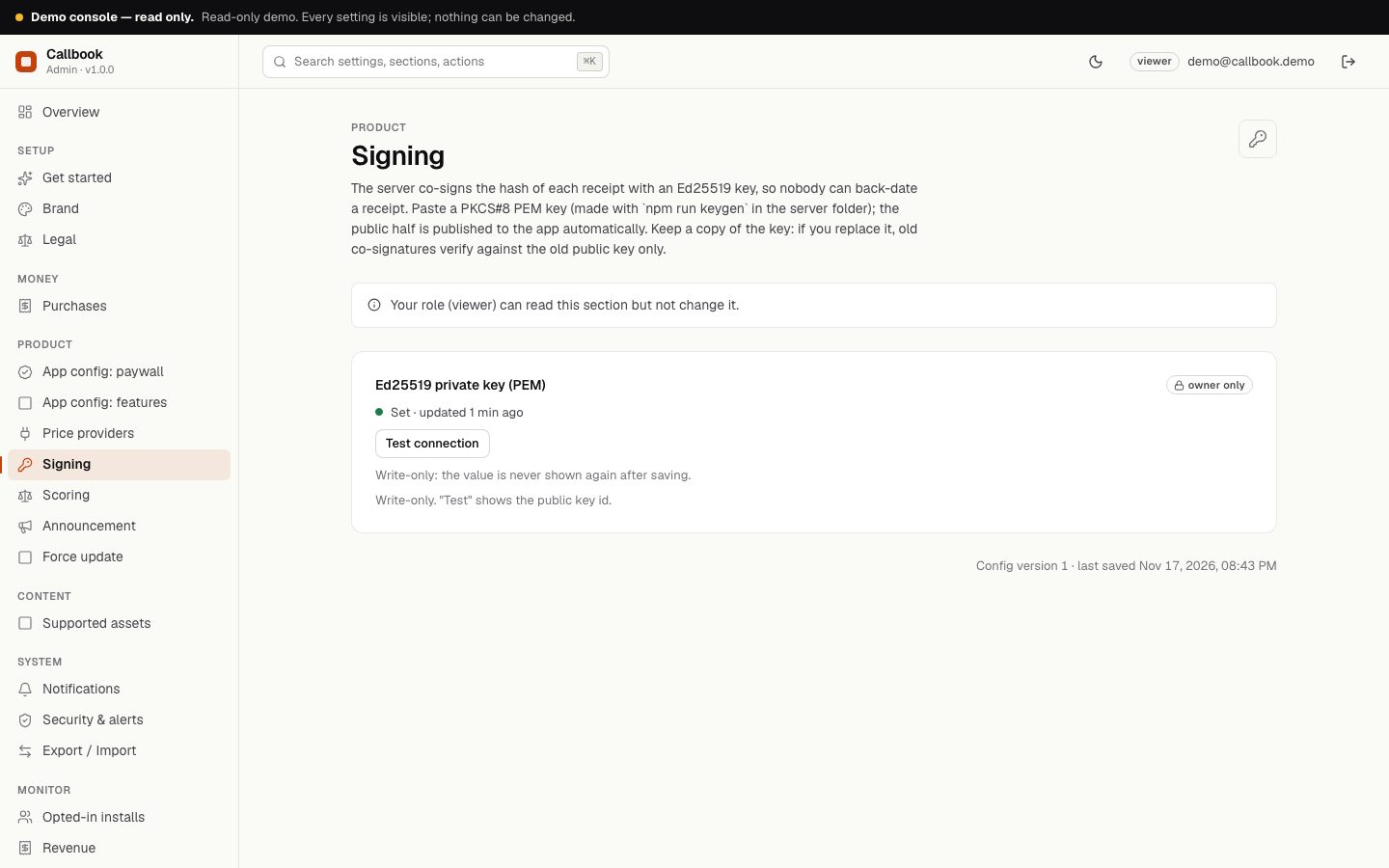
The server co-signs the hash of each receipt with an Ed25519 key. Run npm run keygen in the server folder, paste the private key (PKCS#8 PEM) into the field, save, and press Test: it shows the key id. The public half is published to the app automatically in /v1/config. Keep a copy of the private key: if you replace it, old co-signatures verify against the old public key only. See Co-signing.
05Scoring
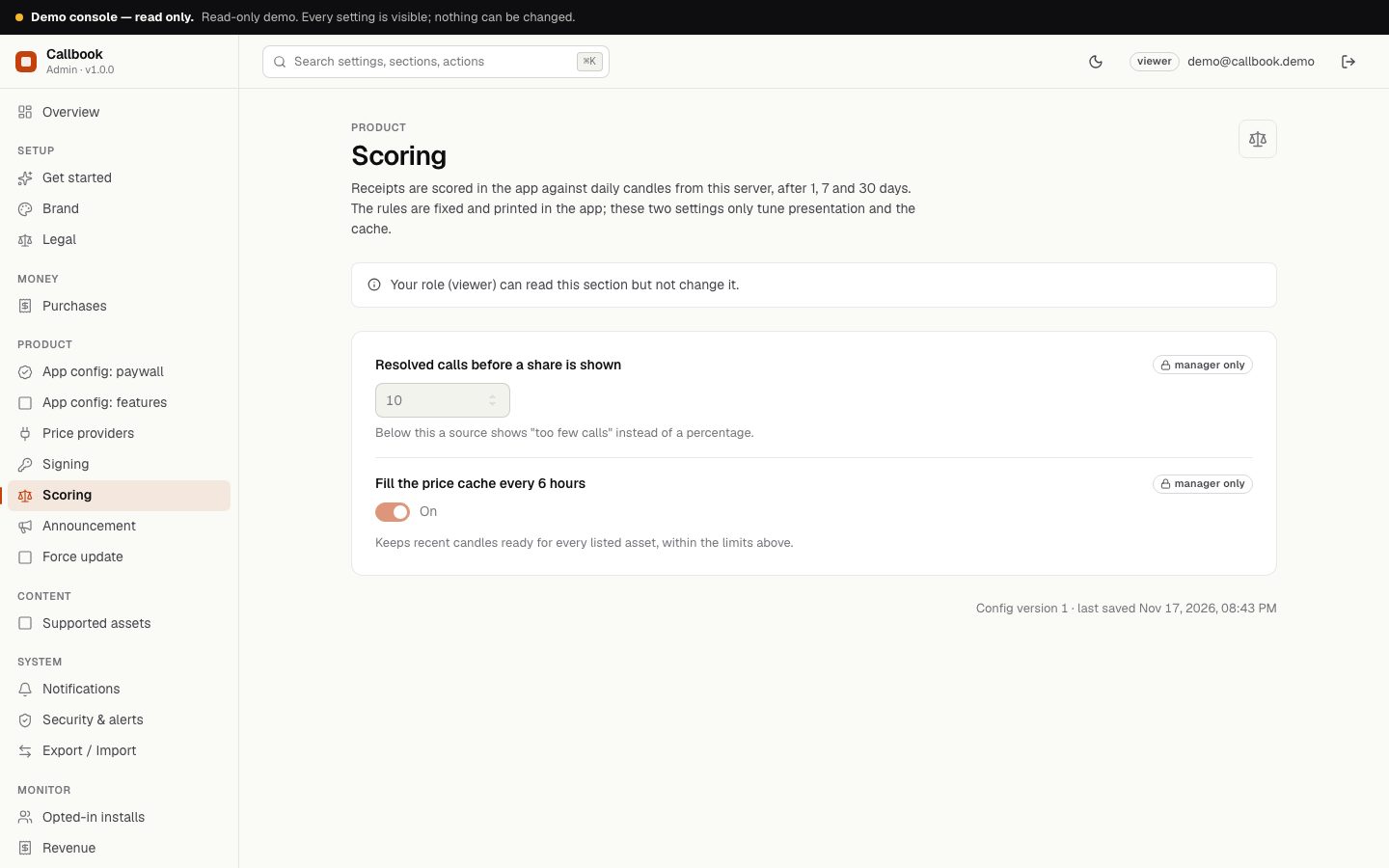
Receipts are scored inside the app. The rules are fixed and printed in the app (Receipts). Two settings are yours:
- Resolved calls before a share is shown: default 10 (3 to 100). Below this a source shows "too few calls" instead of a percentage.
- Fill the price cache every 6 hours: on by default. Keeps recent candles (the last 45 days, or fewer for a provider with a shorter history) ready for every listed asset, within your per-minute limits.
06Supported assets
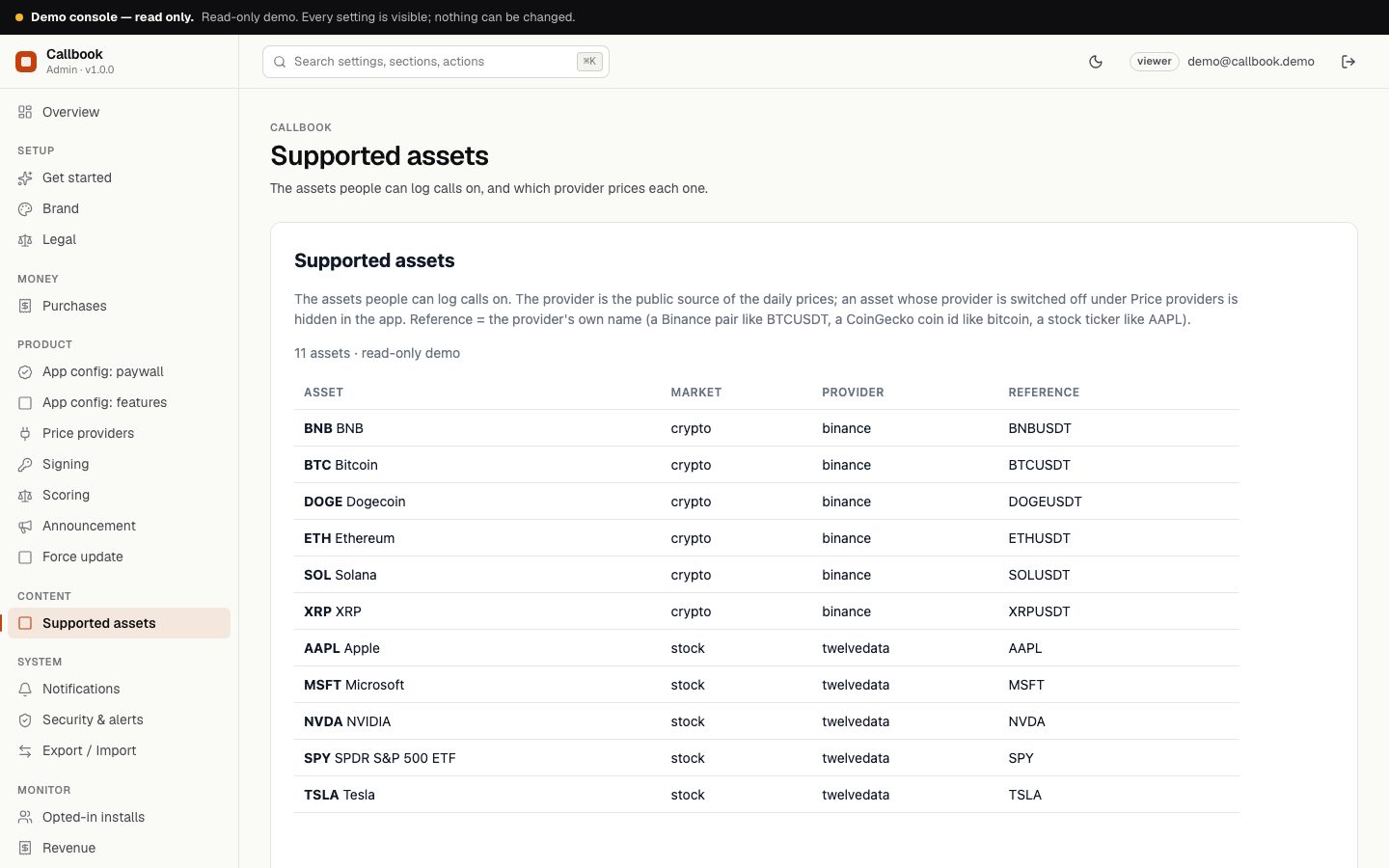
The list of assets the app offers. Each row has a symbol, a name, a market (crypto or stock), a provider and the provider's own reference: a Binance pair like BTCUSDT, a CoinGecko coin id like bitcoin, or a ticker like AAPL. Stocks must use Twelve Data; crypto must use Binance or CoinGecko. Up to 300 assets. As shipped the list holds AAPL, MSFT, NVDA, TSLA, SPY, BTC, ETH, SOL, BNB, XRP and DOGE, which you can edit, delete or extend. Users can also log a call on a custom asset that is not in the list; it has no price feed and the user settles it by hand.
07Screenshots
Captured from the read-only demo console. Product ids and store keys are empty because none ship with the item. The demo has Twelve Data switched off, so its app shows crypto assets only.