
App tour
what each screen does.
Only features that exist in the code are listed. Pro marks what the paywall unlocks. All phone screenshots show sample data; the demo server offers crypto assets only.
01First start
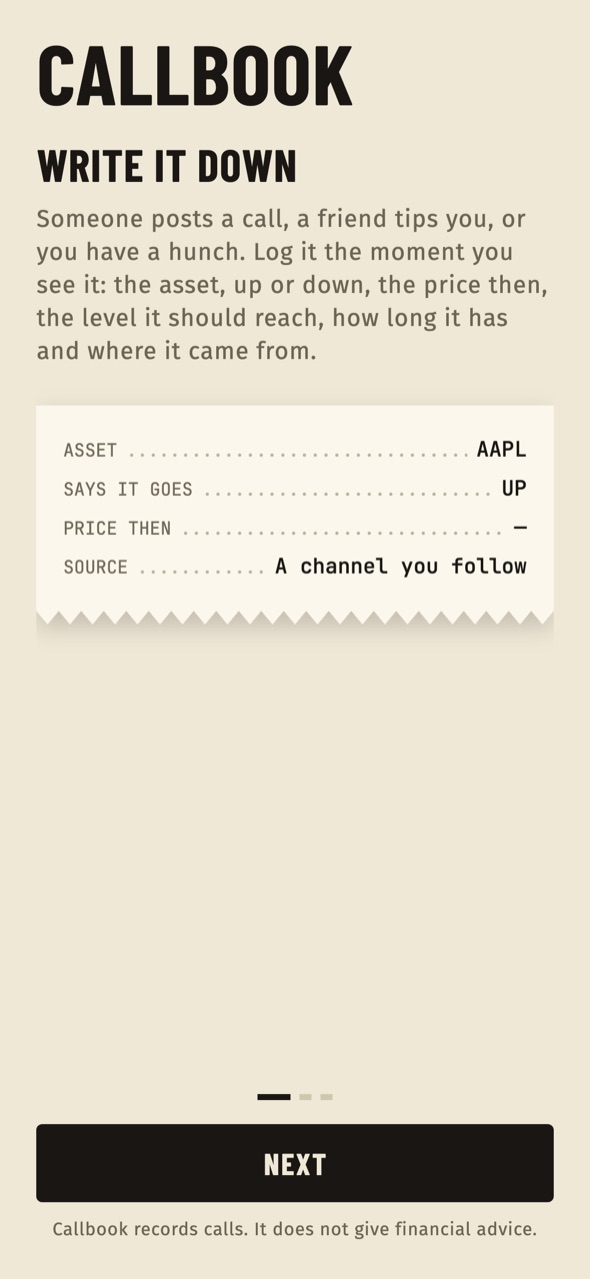
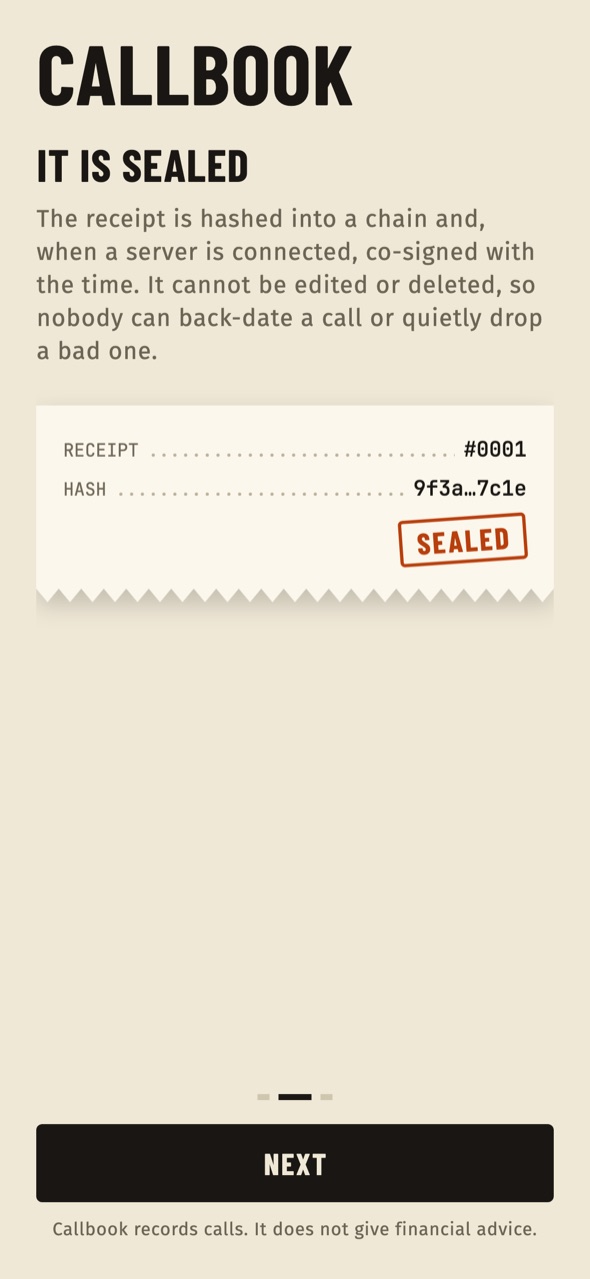
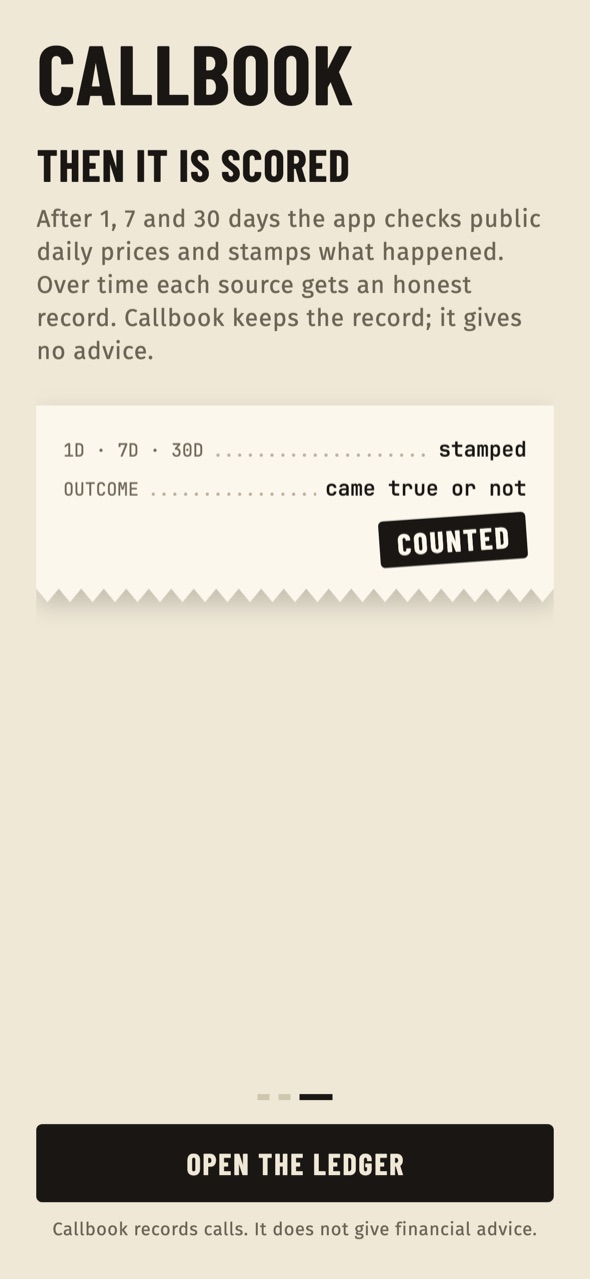
Three short screens explain the idea: write the call down the moment you see it, it is sealed as a receipt that cannot be edited or deleted, then it is scored against public daily prices after 1, 7 and 30 days. The last button opens the ledger.
02The ledger
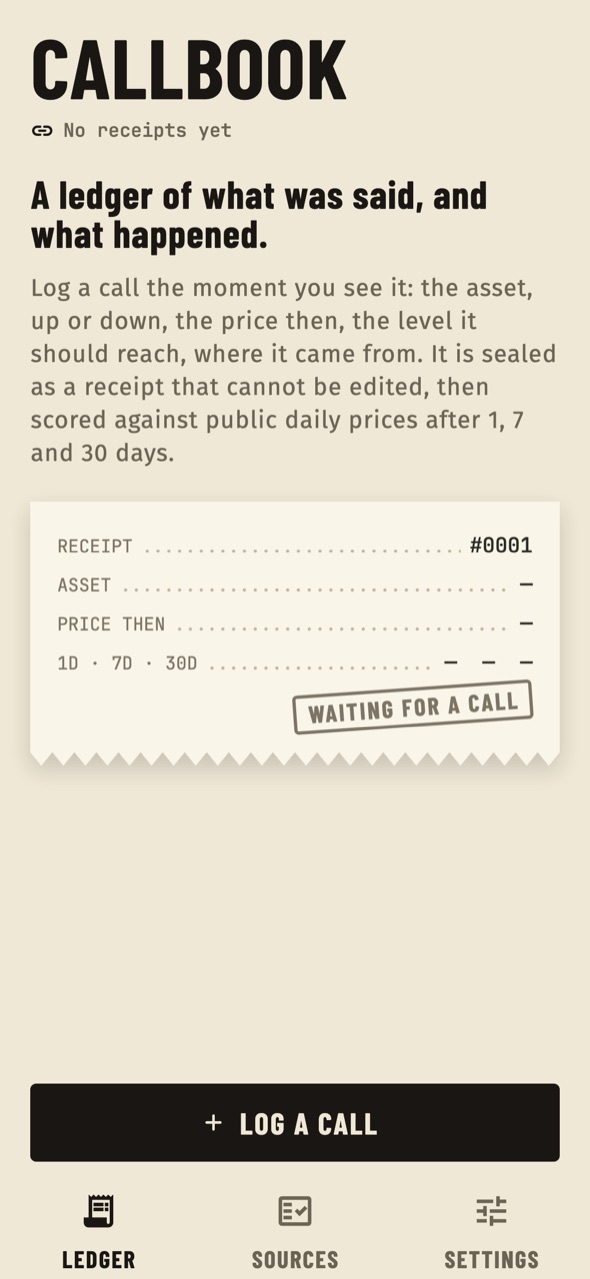
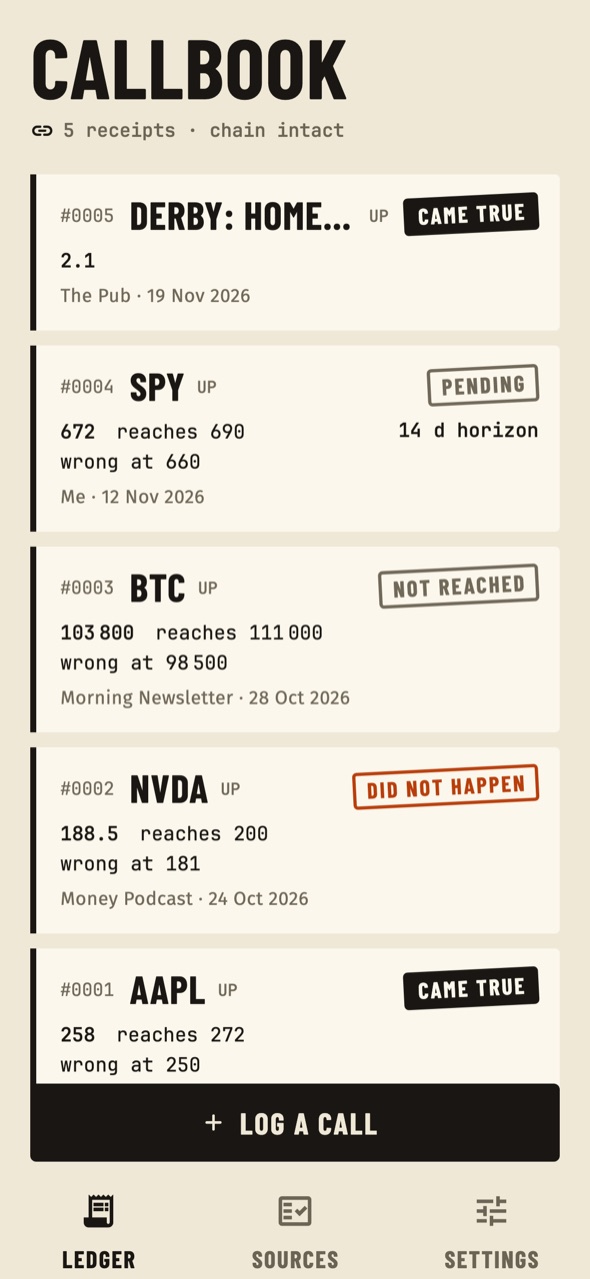
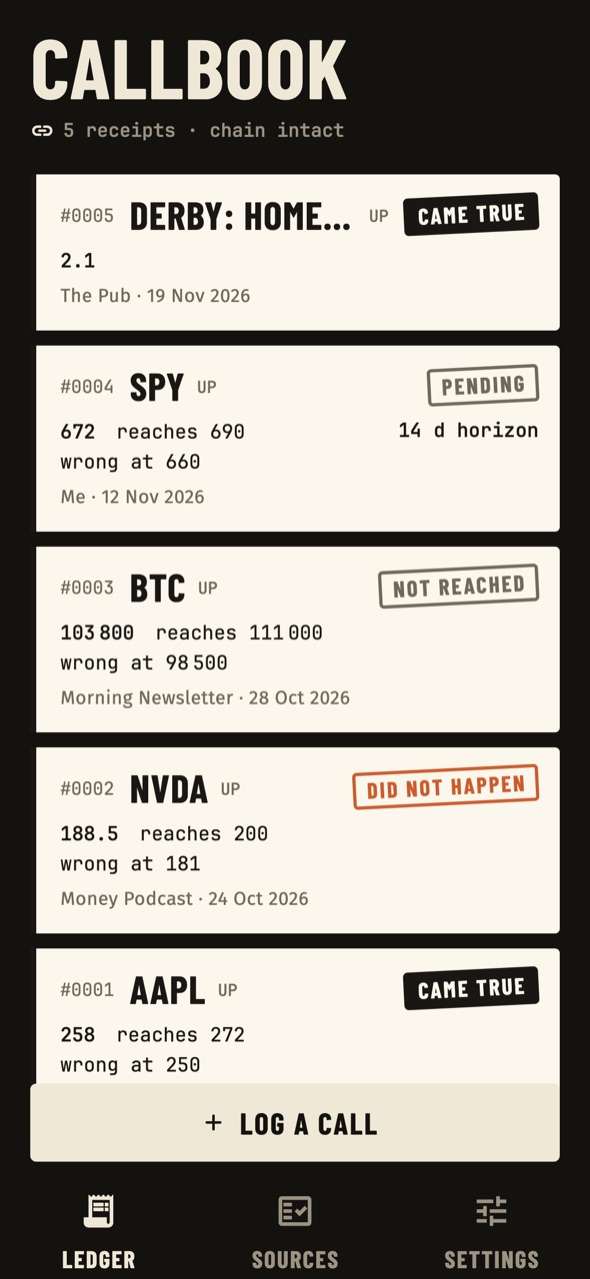
The first tab lists every receipt, newest first, each with its stamp (target first, stop first, expired or still open). The header line shows how many receipts exist and whether the chain is intact. An announcement from the console appears at the top. Hidden receipts are not listed but still count everywhere. The button Log a call starts a new receipt.
03Log a call
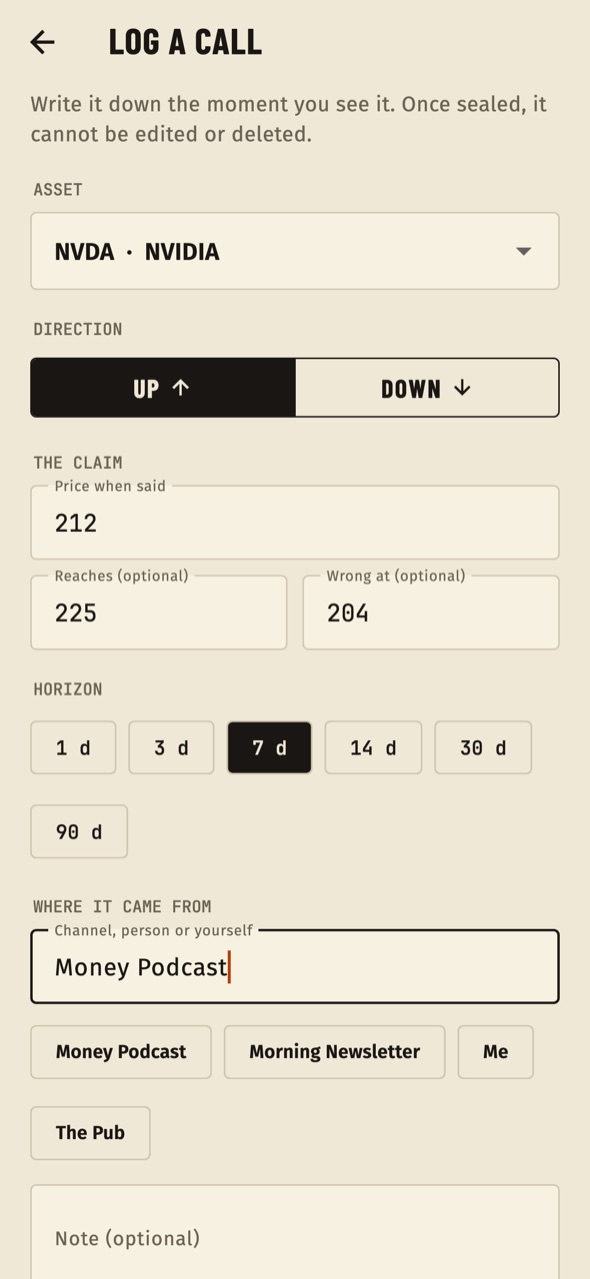
The form asks for:
- Asset: chosen from the list the server publishes, or Something else (you settle it by hand) for a custom asset such as a match or a market without a price feed.
- Direction: Long or Short.
- Entry price, and optional Target and Stop.
- Horizon in days, 1 to 365.
- Source: a channel, a person or yourself (up to 80 characters), with chips for sources already used.
- Note (optional, up to 280 characters).
Pressing Seal receipt seals it for good. On the basic tier, sealing stops with a message once the monthly or source limit is reached (Store products).
04A receipt
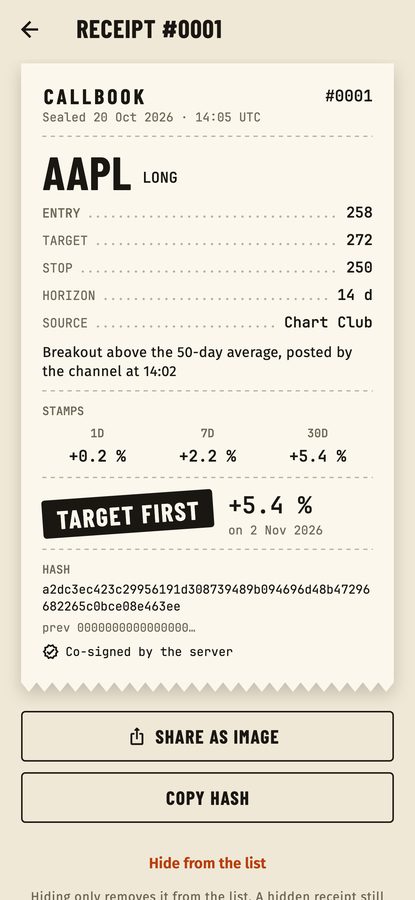
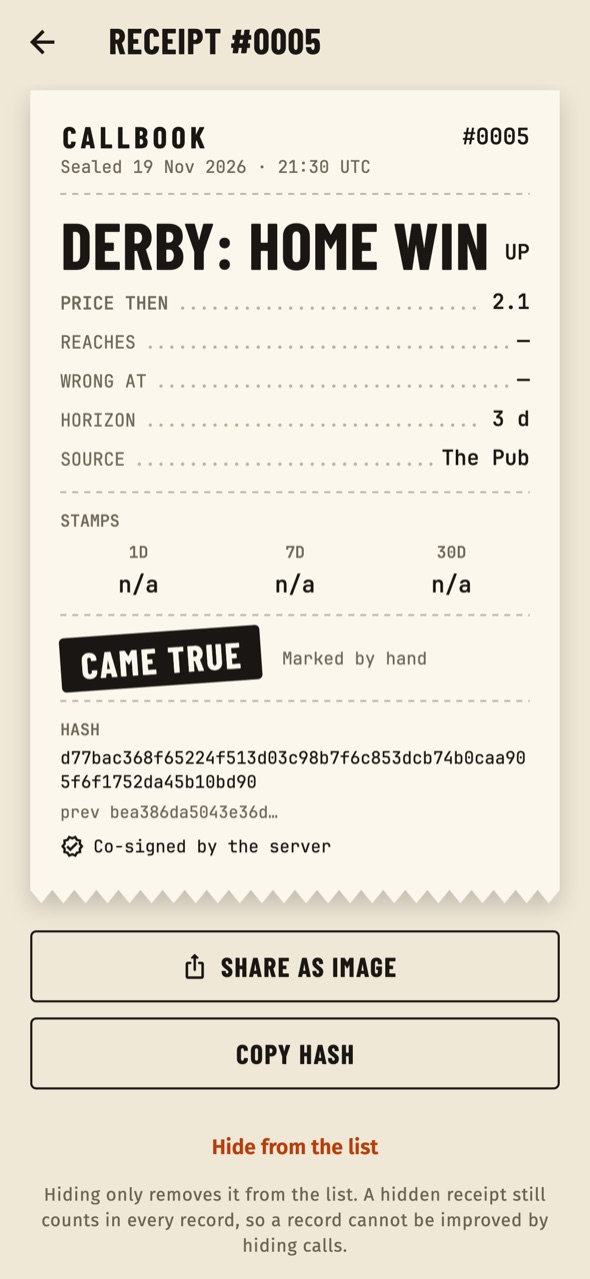
A receipt shows the numbered header, the sealed time (UTC), the asset and direction, entry, target, stop, horizon, source and note, the 1, 7 and 30 day stamps, the result stamp, the hash, the previous hash and the co-signature line. Buttons: Share as image (Pro), Copy hash, and Hide from the list, which only hides it.
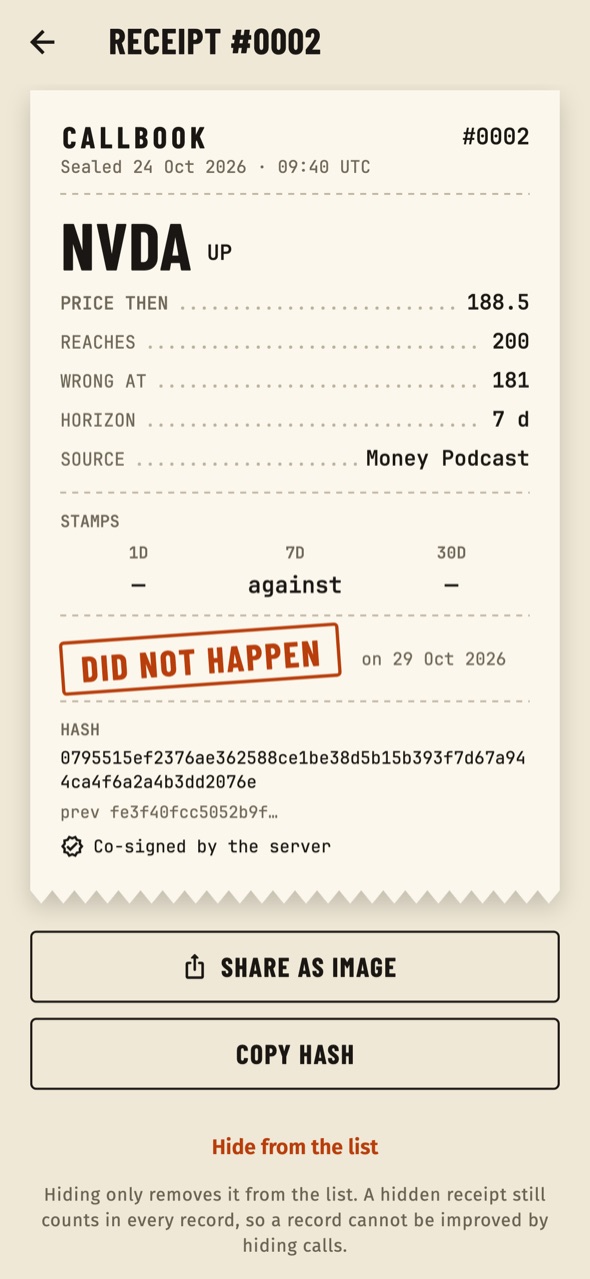
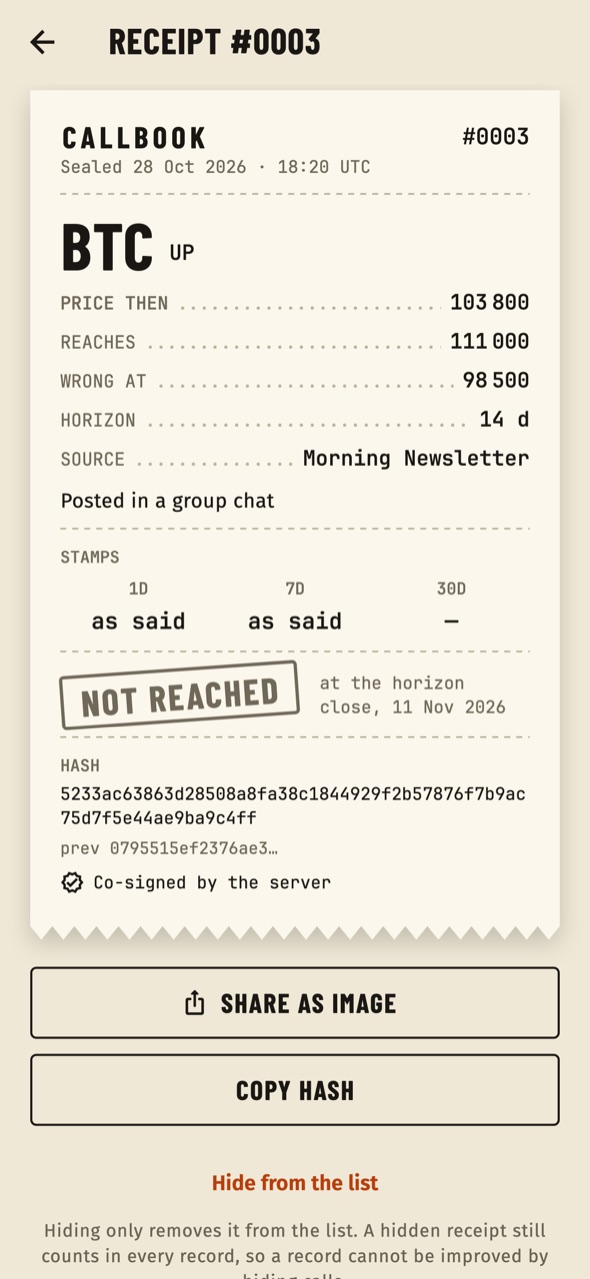
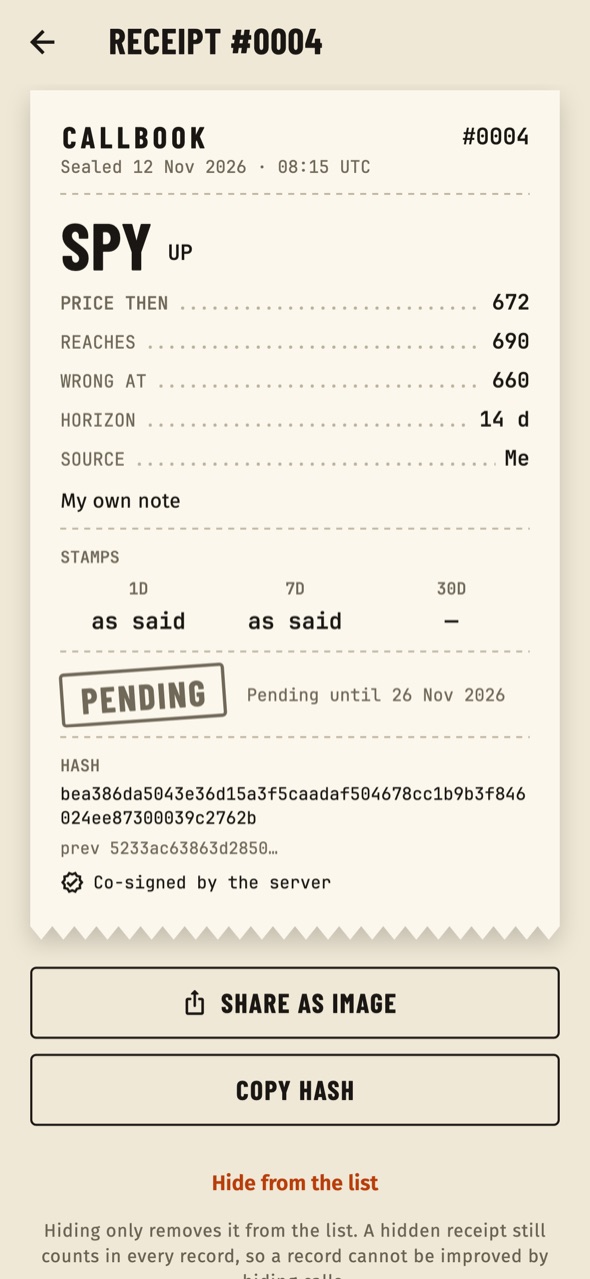
On a custom asset there is no price feed, so the receipt asks How did it end? and the user marks it Target, Stop or Expired. It is then labelled Marked by hand, and the stamps show n/a.
05Track record
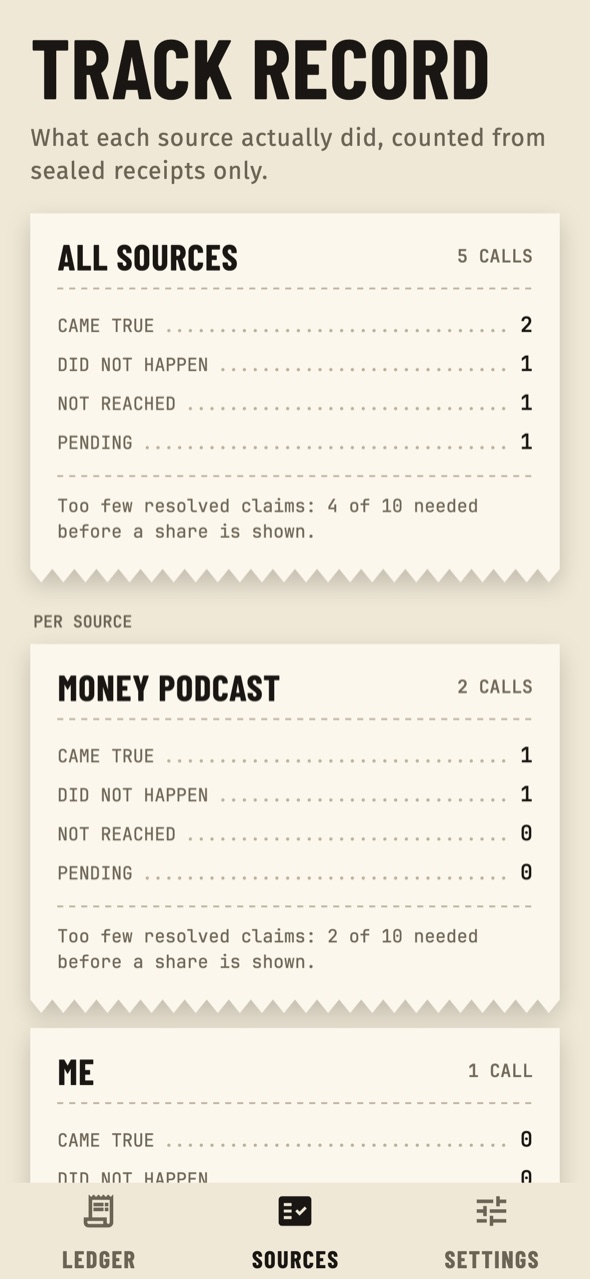
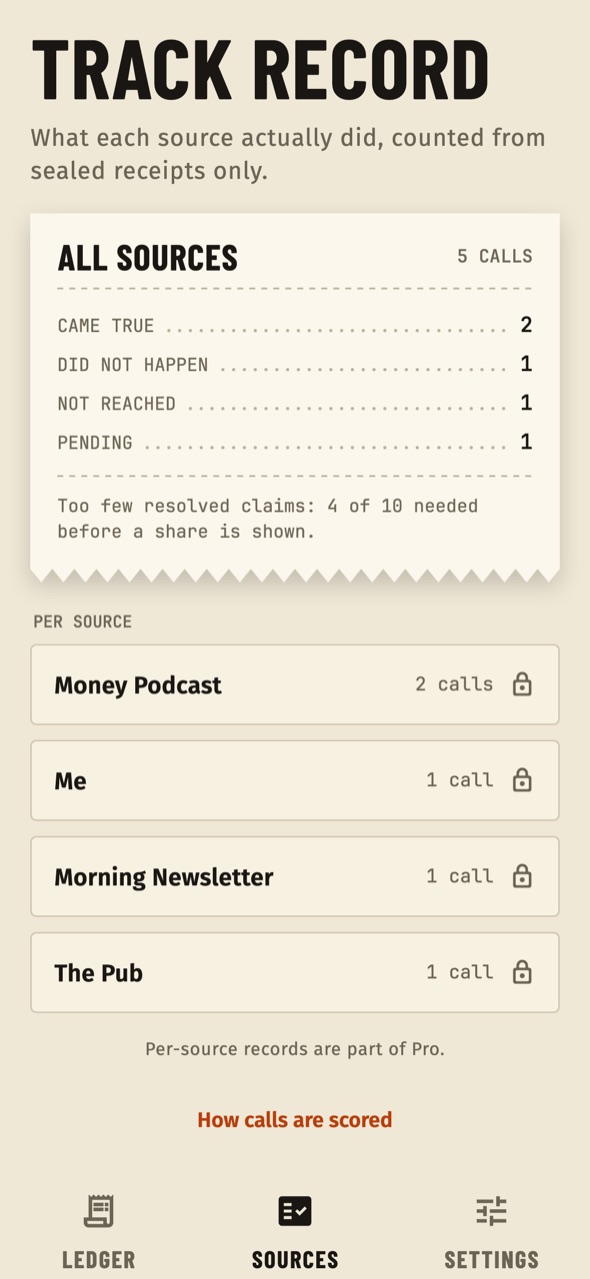
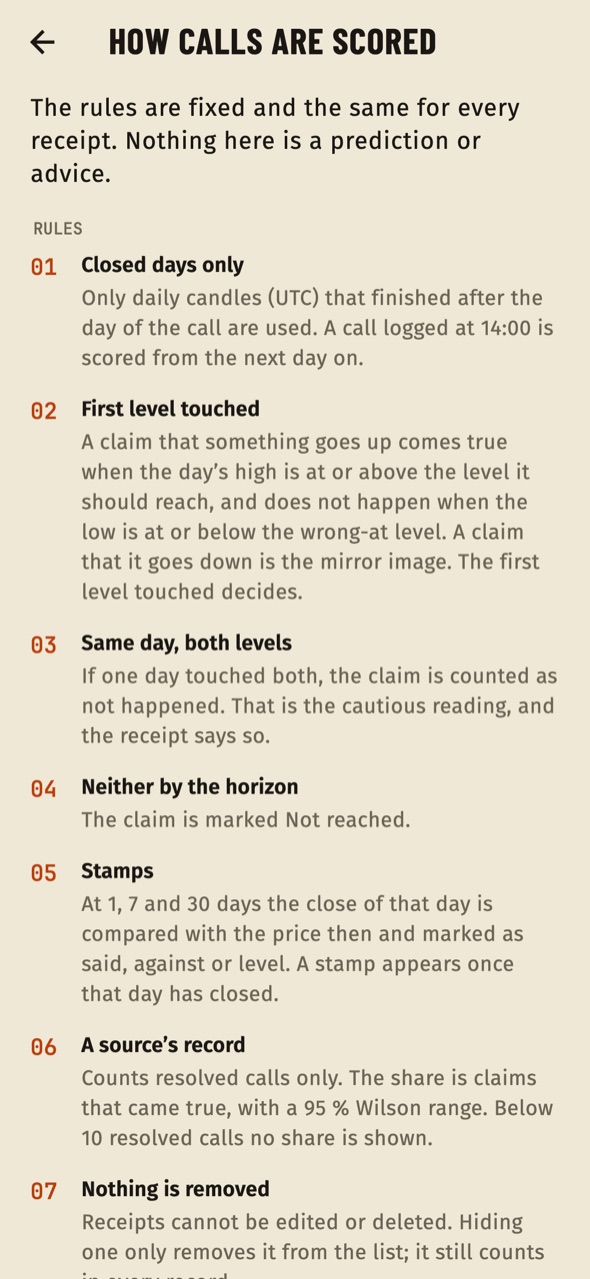
The second tab counts calls per source from sealed receipts only: target first, stop first, expired, still open, and the average result of resolved calls. Under the minimum number of resolved calls it says "Too few resolved calls" instead of a share. The per-source rows are part of Pro (a lock shows on the basic tier). The link How calls are scored opens the rules.
06Settings, export and data
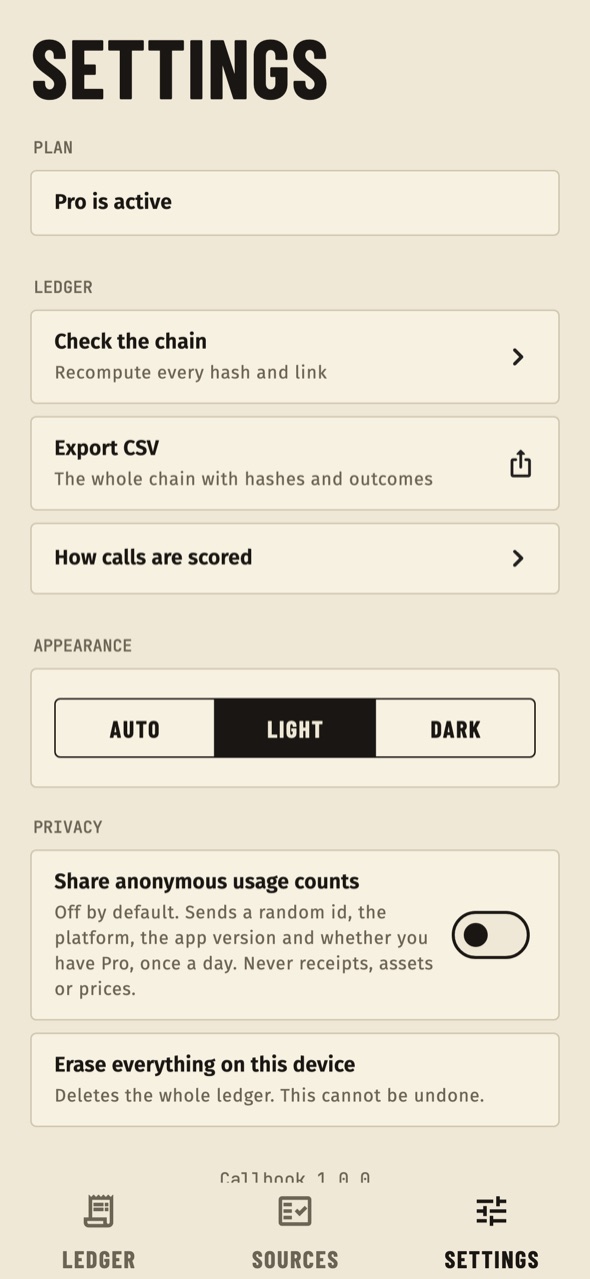
Theme (Auto, Light, Dark); Check the chain (recomputes every hash and link and reports "Chain intact" or where it is broken); Export CSV of the whole chain (Pro); Share anonymous usage counts (off by default); links to support, privacy and terms when you set them; and Erase the whole ledger, which deletes all receipts and cached prices on the device for good.
07Announcement and force update
From the console you can show a one-time announcement and block old versions with an Update required screen. See Console pages.